.....
I
I'\)
-..J
Displaying Information About the Monitor - STATUS Menu
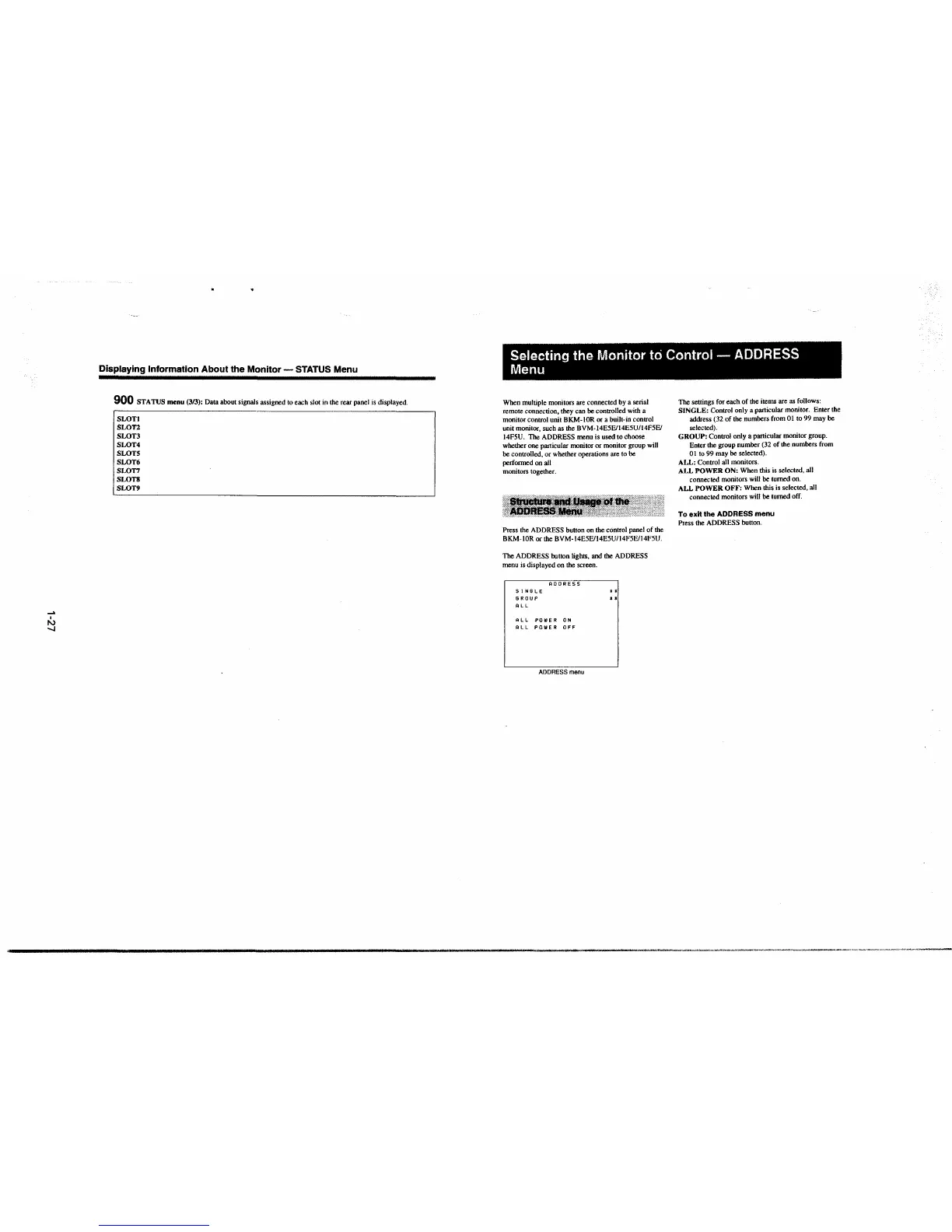
900 STATUS menu (3/3): Data about signals assigned to each slot in the rear panel is displayed.
SLOT!
SLOT2
SLOT3
SLOT4
SWTS
SLOT6
SLOT7
SLOTH
SLOT9
Selecting the Monitor to Control - ADDRESS
Menu
When multiple monitors are connected by a serial
remote connection. they can be controlled with a
monitor control unit BKM-lOR or a built-in control
unit monitor, such as the BVM-14E5E/14E5U/14F5E/
14F5U. The ADDRESS menu is used to choose
whether one particular monitor or monitor group will
be controlled, or whether operations are to be
performed on all
monitors together.
Press the ADDRESS button on the control panel of the
BKM-IOR or the BVM-14E5E/14E5U/14F5E/14FSU.
The ADDRESS button lights, and the ADDRESS
menu is displayed on the screen.
S1N6LE
BROUP
ALL
ADDRESS
ALL POIIIER ON
ALL POWER OFF
ADDRESS menu
..
..
The settings for each of the items are as follows:
SINGLE: Control only a particular monitor. Enter the
address (32 of the numbers from O I to 99 may be
selected).
GROUP: Control only a particular monitor group.
Enter the group number
(32 of the numbers from
01 to 99 may be selected).
ALL: Control all monitors.
ALL POWER ON: When this is selected, all
connected monitors will be turoed on.
ALL POWER OFF: When this is selected, all
connected monitors will be turned off.
To exit the ADDRESS menu
Press the ADDRESS button.







 To Next Page