12(E)
Preparations
Preparations
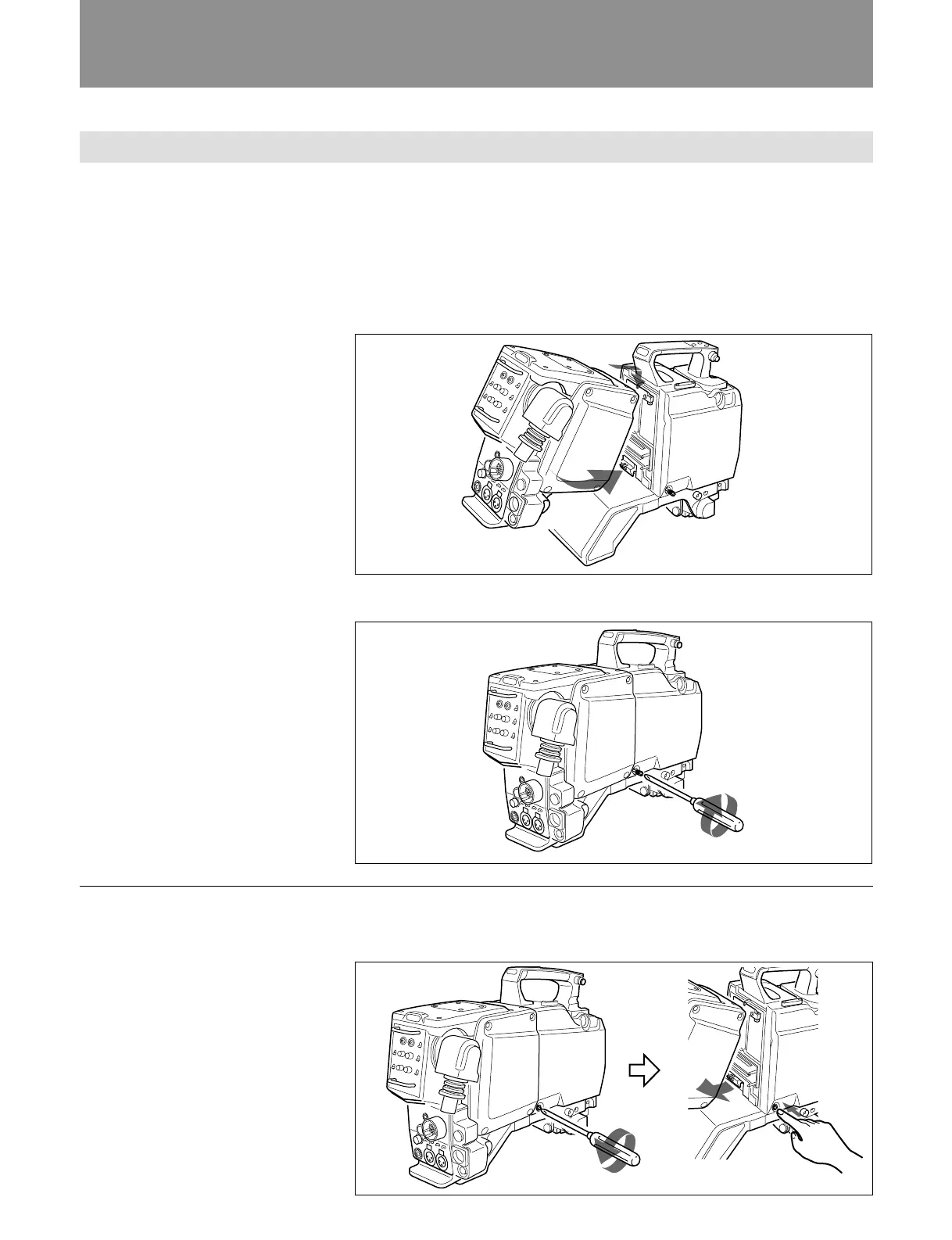
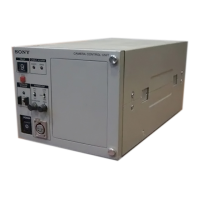
Attaching the CA-570/570P to a BVP-950/950P Color Video Camera
When you attach the CA-570/570P to a BVP-950/950P Color Video
Camera as shown below, the 68-pin connectors on both units are
automatically connected.
1 Attach the CA-570/570P to the rear of the BVP-950/950P.
Hook the upper part, then push the lower part in until it snaps into
place.
2 Tighten the screw with a screwdriver.
Tighten the screw.
Removing a Camera Adaptor
Loosen the screw on the video camera, then push it.



 To Next Page