AAAAyA<H.L0.idx>
11
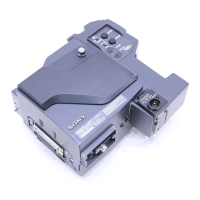
Mounting on Video Camera
This unit is dockable with the DXC-D30/D30P digital video camera or
with a DXC-637 series analog video camera.
Replace the camera connector according to the camera to be used.
Using a DXC-D30/D30P : Use the PRO 76-pin DIGITAL connector.
Using a DXC-637 series camera : Use the PRO 50-pin connector.
Note
Turn the POWER switch off before mounting the unit on the camera.
Using the DXC-D30/D30P
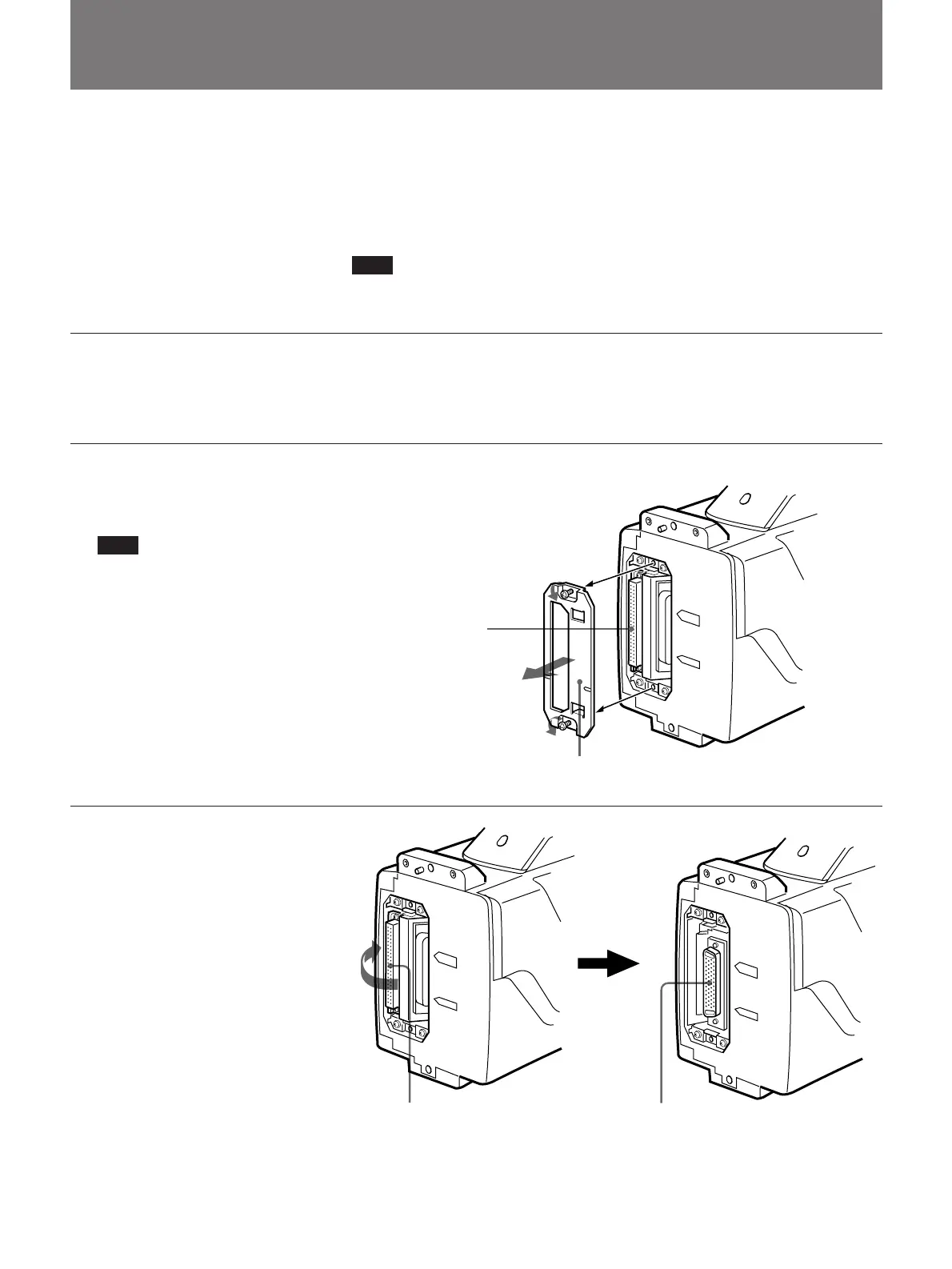
Replace the PRO 50-pin connector with the PRO 76-pin DIGITAL
connector.
1 Loosen the two screws (M3)
and remove the cover from the
PRO 50-pin connector.
Note
Never loosen the other screws.
2 Press the right side of the PRO
50-pin connector until the PRO
76-pin DIGITAL connector
appears.
The both connectors swing to
switch the positions by
pressing either of them.
PRO 50-pin connector
Cover
PRO 50-pin connector PRO 76-pin DIGITAL connector
(Continued)


 To Next Page