[]
[]
[]
[]
[]
®
[]
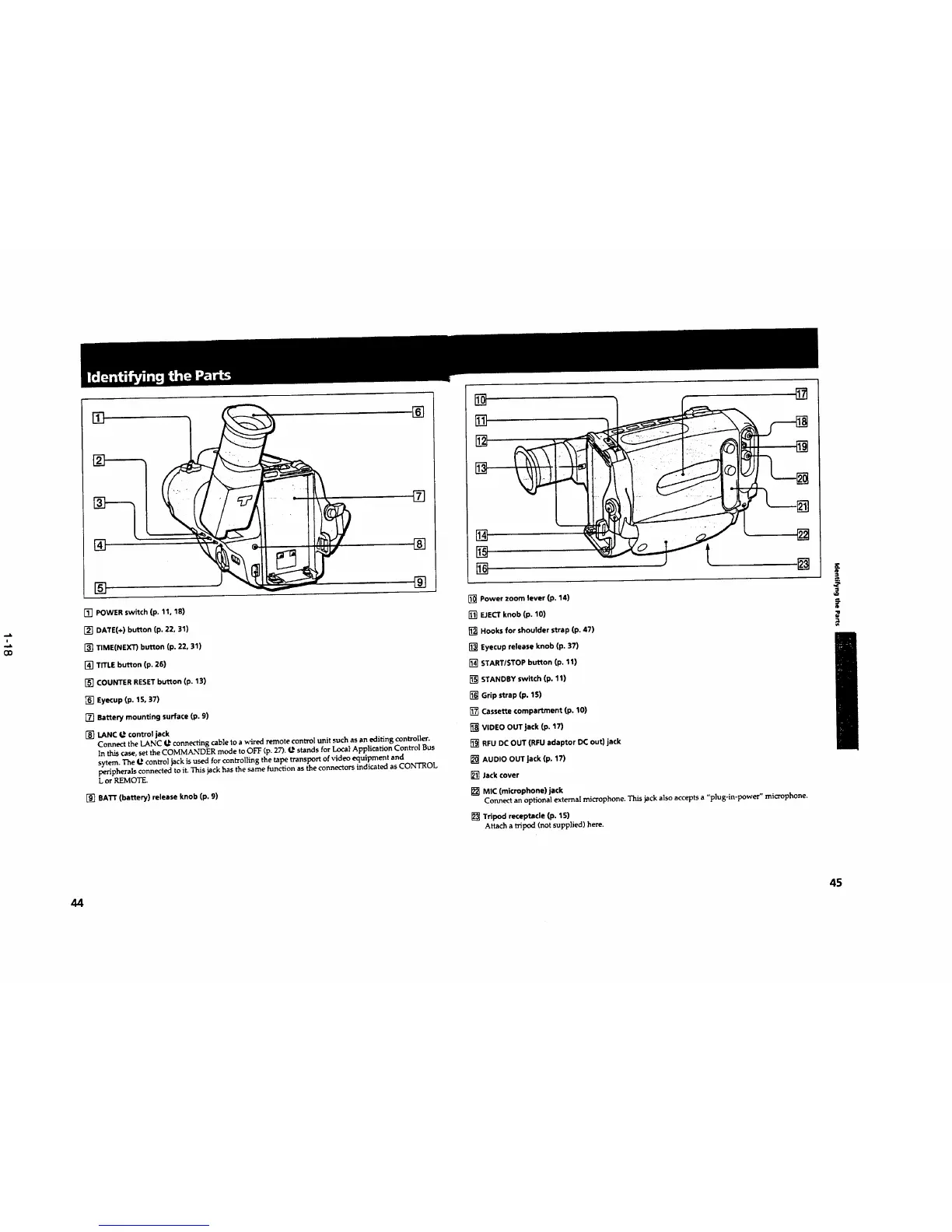
[] POWER switch (p. 11, 18)
[] DATE(+) button (p. 22, 31)
[] TIME(NEXT) button (p. 22, 31)
[] TITLE button (p. 26)
[] COUNTER RESET button (p. 13)
[] Eyecup (p, 15, 37)
[] Battery mounting surface (p. 9)
[] LANe I_ control jack
Connect the LANC _ connecting cableto a wired remote controlunit such as an editing controiler.
In thiscase,setthe COMMANDER mode to OFF (p.2/").12 stands for Local Application Control Bus
sytem. The 12 controljackisused forcontrollingthe tape transport of video equipment and
peripherals connected to it.This jackhas the same function as the connectors indicated as CONTROL
L or REMOTE.
[] BATr (battery) release knob (p. 9)
[]
[]
[]
[]
[]
[]
[]
[] Power zoom lever (p. 14)
[] EJECT knob (p. 10)
[] Hooks for shoulder strap (p. 47)
[] Eyecup release knob (p. 37)
[] START/STOP button (p. 11)
[] STANDBY switch (po 11)
[] Grip strap (p. 15)
[] Cassette compartment (p. 10)
[] VIDEO OUT jeck (p. 17)
[] RFU DC OUT (RFU adaptor DC out) jack
[] AUDIO OUT jack (p. 17)
[] Jack cover
[] MIC (microphone) jack
Connect an optional external microphone. This jack also accepts a "plug-in-power" microphone.
[] Tripod receptacle (p. 15)
Attach a tripod (not supplied) here.
[]
[]
f
44 45


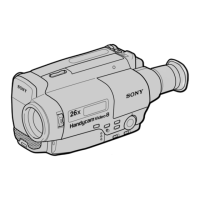
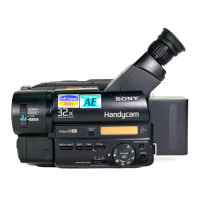
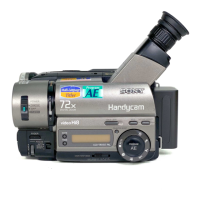
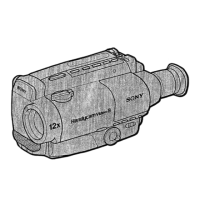

 To Next Page