Attaching the shoulder strap
Attach the supplied shoulder strap to the hooks for the shoulder strap ([1"_on page 45).
[]
[]
[]
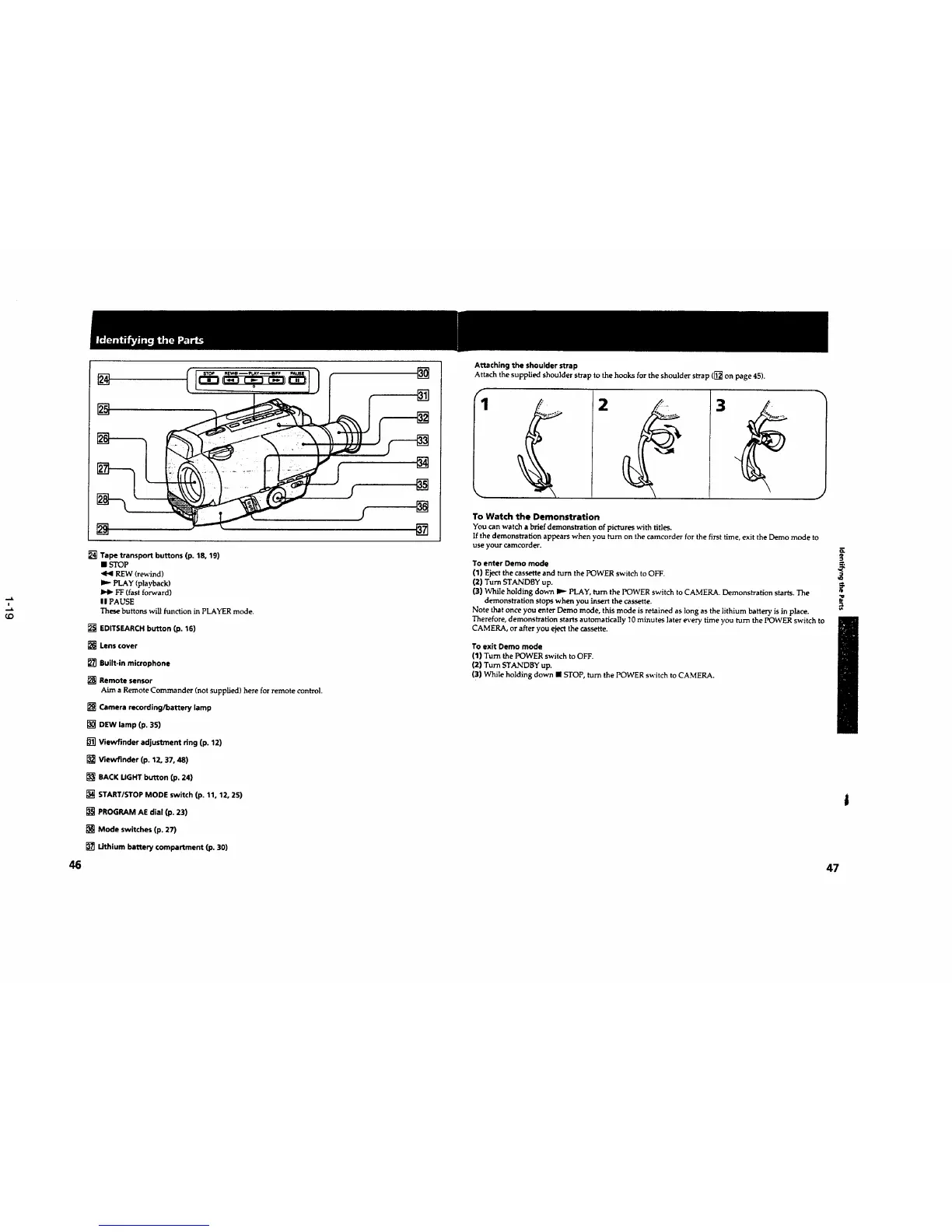
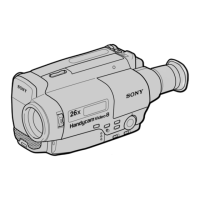
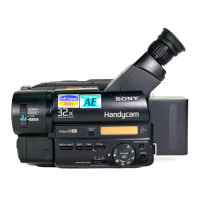
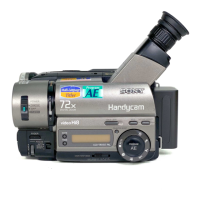
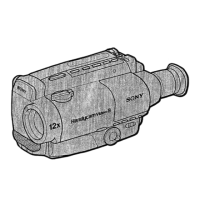
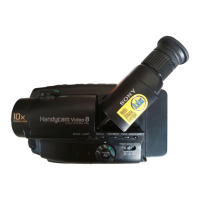
[] Tape transport buttons (p. 18, 19)
• _rOP
<1<1PEW (rewind)
PLAY (playback)
FF (fast forward)
I I PAUSE
These buttons will function in PLAYER mode.
[] EDITSEAflCH button (p. 16)
[] Lens cover
[] Built-in microphone
[] Remote sensor
Aim a Remote Commander (not supplied) here for remote control.
[] Camera recording/battery lamp
[] DEW lamp (p. 35)
[] Viewfinder adjustment ring (p. 12)
[] Viewflnder (p. 12, 37, 48)
[] BACK UGHT button (p. 24)
[] START/STOP MODE switch (p. 11, 12, 25)
[] PROGRAM AE dial (p. 23)
[] Mode switches (p. 27)
[] Lithium battery compartment (p. 30)
[]
[]
[]
[]
To Watch the Demonstration
You can watch a brief demonstration of pictures with titles.
Ifthe demonstration appears when you turn on the camcorder for the first time, exit the Demo mode to
use your camcorder.
o.
To enter Demo mode ,_
(1) Eject the cassette and turn the POWER switch to OFF.
(2) Turn STANDBY up.
(3) While holding down liD- PLAY, turn the POWER switch to CAMERA. Demonstration starts. The
demonstration stops when you insert the cassette.
Note that once you enter Demo mode, this mode is retained as long as the lithium battery is in place.
Therefore, demonstration starts automatically t 0 minutes later every time you turn the POWER switch to
CAMERA, or after you eject the cassette.
To exitDemo mode
(1)Turn thePOWER switchtoOFF.
(2)TurnSTANDBY up.
(3)Whileholdingdown • STOP,turnthePOWER switchtoCAMERA.
46 47



 To Next Page