46
– CCD-TRV35/TRV65/TRV315/TRV615 only
When to adjust the exposure
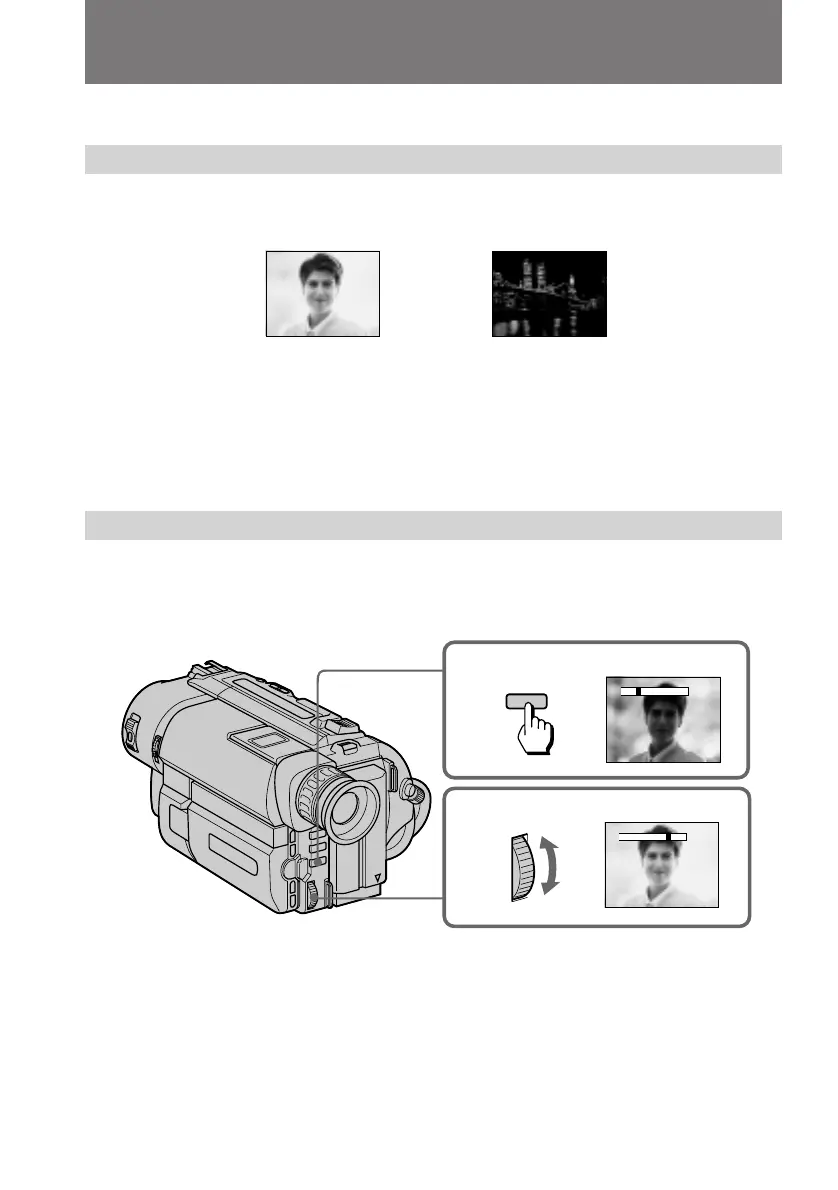
Adjust the exposure manually under the following cases.
[a]
•The background is too bright (back lighting)
•Insufficient light: most of the picture is dark
[b]
•Bright subject and dark background
•To record the darkness faithfully
Adjusting the exposure
(1) Press EXPOSURE.
(2) Turn the control dial to adjust the brightness.
To return to automatic exposure mode
Press EXPOSURE again.
[a]
[b]
Adjusting the exposure
1
2
–+
–+
EXPOSURE













 To Next Page