22
Playing tracks repeatedly
— Repeat Play
You can select:
•REP-1 - to repeat a track.
•REP-2 - to repeat a disc.
1 During playback, press (SHIFT).
2 Press (6) (REP) repeatedly until the
desired setting appears.
Repeat Play starts.
3 Press (SHIFT).
To return to normal playback mode, select
“REP-OFF” in step 2 above.
Playing tracks in random
order — Shuffle Play
You can select:
•SHUF-1 - to play the tracks on the current
disc in random order.
•SHUF-2 - to play the tracks in the current
unit in random order.
•SHUF-ALL - to play all the tracks in all the
units in random order.
1 During playback, press (SHIFT).
2 Press (7) (SHUF) repeatedly until the
desired setting appears.
Shuffle Play starts.
* “SHUF-ALL” is available for CD changer(s)
only.
3 Press (SHIFT).
To return to normal playback mode, select
“SHUF-OFF” in step 2 above.
z SHUF-1 z SHUF-2 z SHUF-ALL*
SHUF-OFF Z
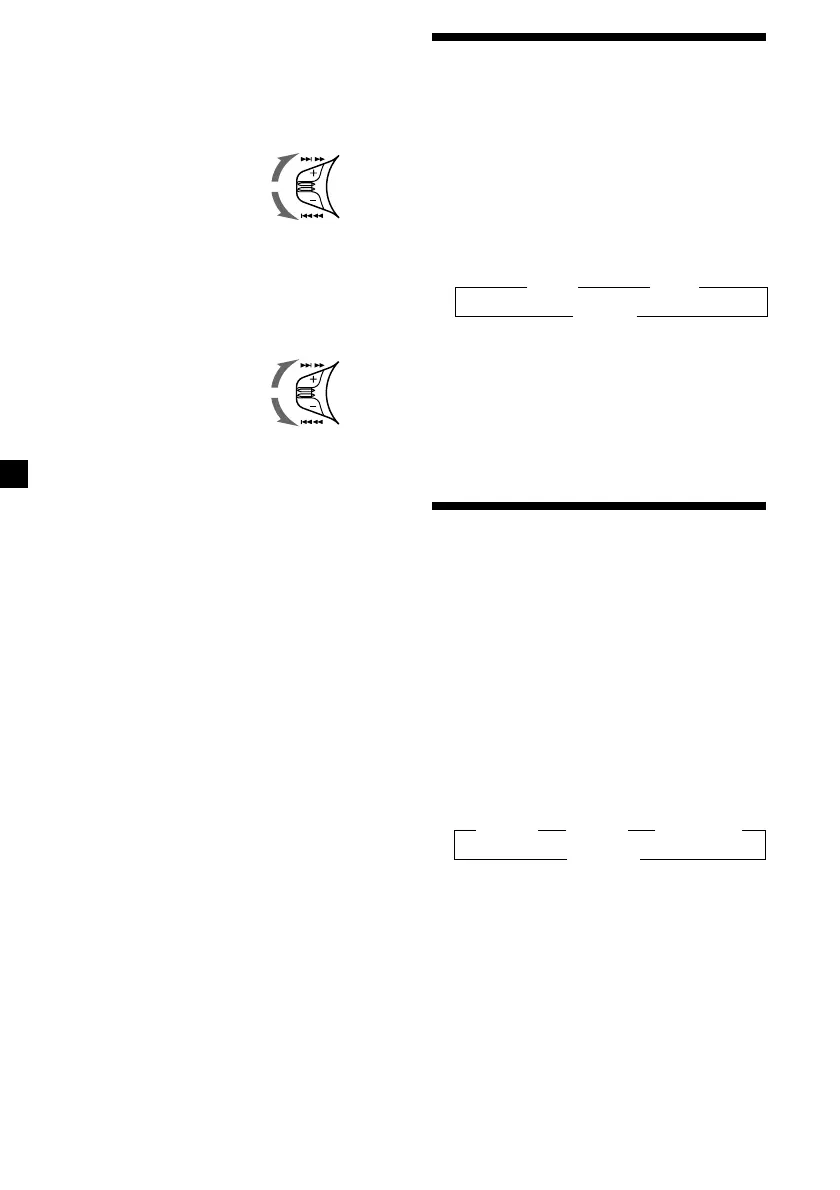
To search forward
To search backward
Locating a specific track
— Automatic Music Sensor (AMS)
During playback, push the SEEK/AMS
control up or down and release for each
track you want to skip.
Locating a specific point in a track
— Manual Search
During playback, push the SEEK/AMS
control up or down and hold. Release
when you have found the desired point.
Locating a disc by disc number
— Direct Disc Selection
Press the number button that
corresponds with the desired disc
number.
The desired disc in the current unit begins
playback.
SEEK/AMS
SEEK/AMS
z REP-1 z REP-2
REP-OFF Z
To locate succeeding tracks
To locate preceding tracks



 To Next Page