34
CDX-5V661/5V661A/5V661D/5V661S
7. Observing the luminance meter, adjust the LED brightness to eliminate variations over all LED’s.
8. Changing the data selection, repeat steps 1 through 7 for adjustment.
(2) LED Data Display
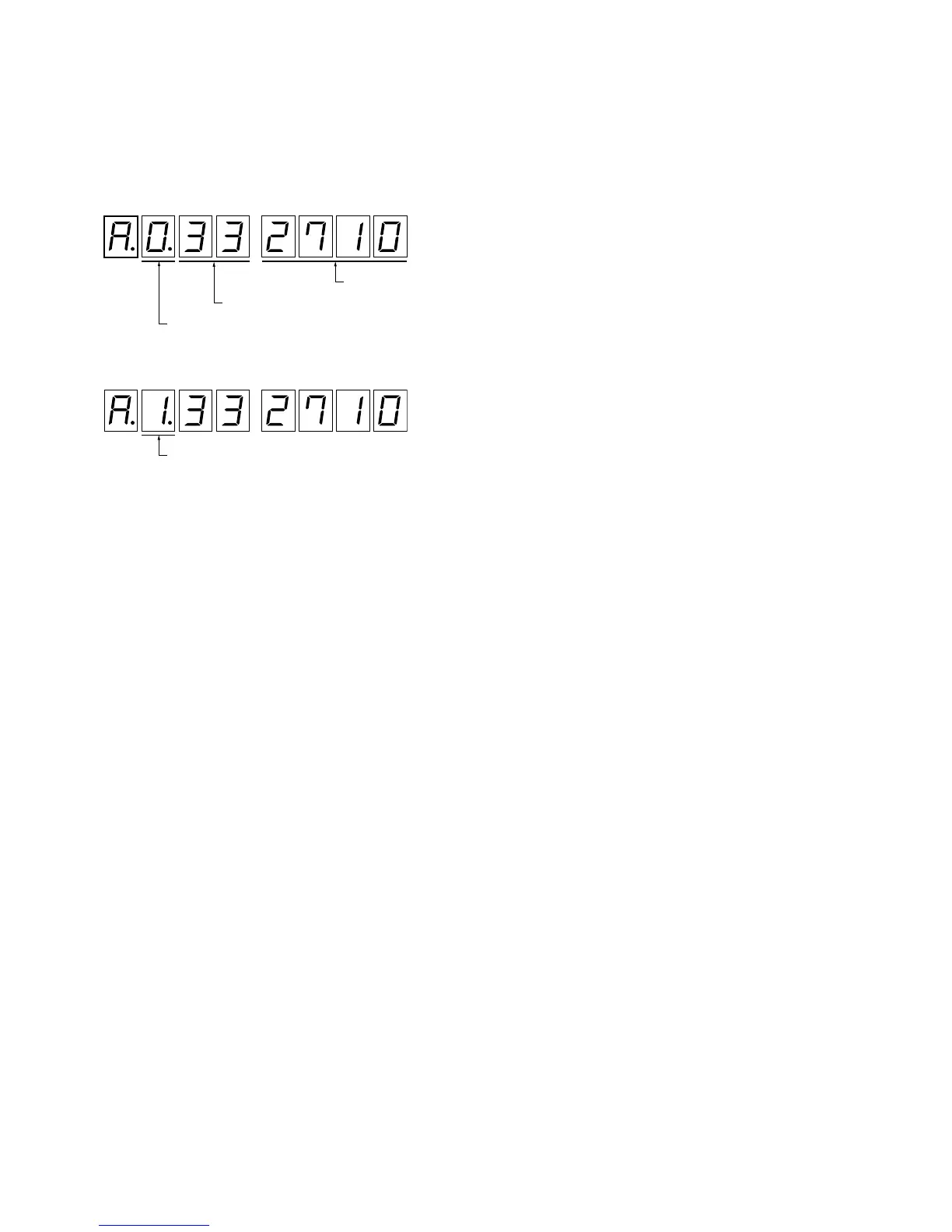
This mode can check current Dimmer/Indicator mode and current PWM value.
1. Press 1 or 2 (DISP –/+) key to adjust the display (7 Seg. LED) to “A” (first place).
2. Press 7 or 8 (PWM SEL –/+) key to select the data.
PWM current valu
Dimmer A/D value (0 to FF)
0: Dimmer PWM current value
1: Indicator PWM current value


 To Next Page