21
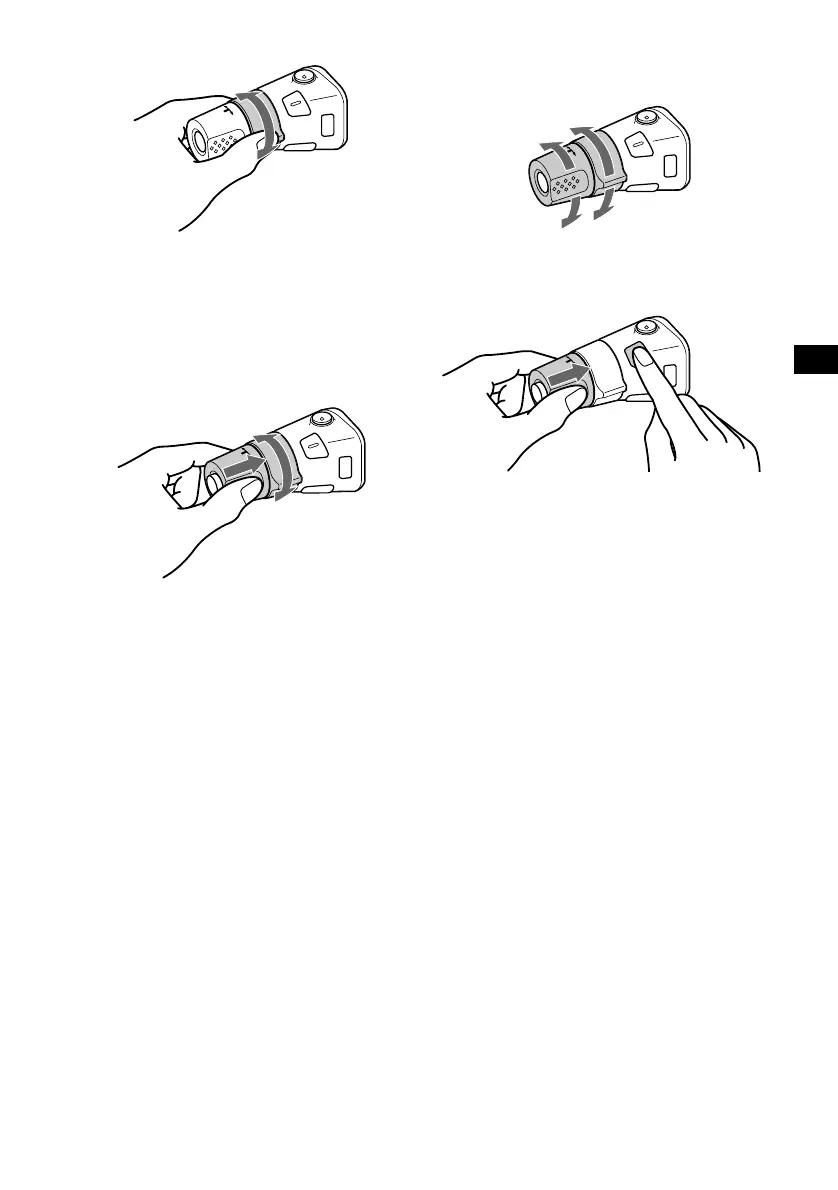
By rotating the control
Rotate and release to:
– Skip tracks.
– Tune in stations automatically.
Rotate, hold, and release to:
– Fast-forward/reverse a track.
– Find a station manually.
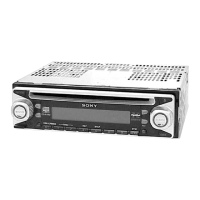
By pushing in and rotating the control
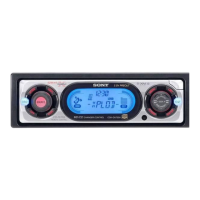
CDX-CA680X
Push in and rotate the control to:
– Receive preset stations.
– Change discs during CD (MD) playback*
1
.
During playback of a CD containing MP3
files*
3
Push in and repeat rotating quickly to:
– Change discs one by one.
Push in, then rotate and hold to:
– Change albums.
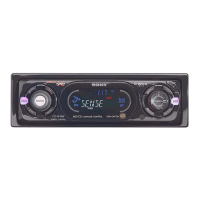
CDX-L580X
Push in and rotate the control to:
– Receive preset stations.
*1 Only if the corresponding optional equipment is
connected.
*2 If your car has no ACC (accessory) position on the
ignition key switch, after turning off the ignition, be
sure to press and hold (OFF) until the display
disappears.
*3 Available only when optional CD unit with the MP3
file control function is connected.
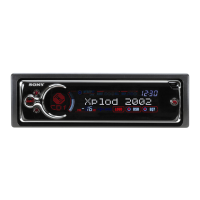
Changing the operative direction
The operative direction of controls is factory-set
as shown below.
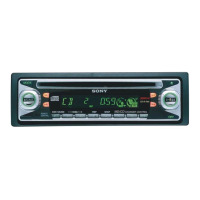
If you need to mount the rotary commander on
the right hand side of the steering column, you
can reverse the operative direction.
Press ( SEL ) for 2 seconds while
pushing the VOL control.
SEEK/AMS
control
PRESET/DISC
control
To increase
To decrease



 To Next Page