14
Storing only the desired
stations
You can manually preset the desired stations on
any chosen number button.
1 Press (SOURCE) repeatedly to select
the radio.
2 Press (MODE) repeatedly to select the
band.
3 Press either side of (SEEK) to tune in
the station that you want to store.
4 Press the desired number button ((1)
to (6)) on the card remote commander
for 2 seconds until “MEM” appears.
The number button indication appears in the
display.
Note
If you try to store another station on the same number
button, the previously stored station will be erased.
Storing station names
— Station Memo
You can assign a name to each radio station and
store it in memory. The name of the station
currently tuned in appears in the display. You can
assign a name using up to 8 characters for a
station.
Storing the station names
1 Tune in a station whose name you
want to store.
2 Press (MENU), then press either side
of (DISC/PRESET) repeatedly until
“NAMEEDIT” appears.
3 Press (ENTER).
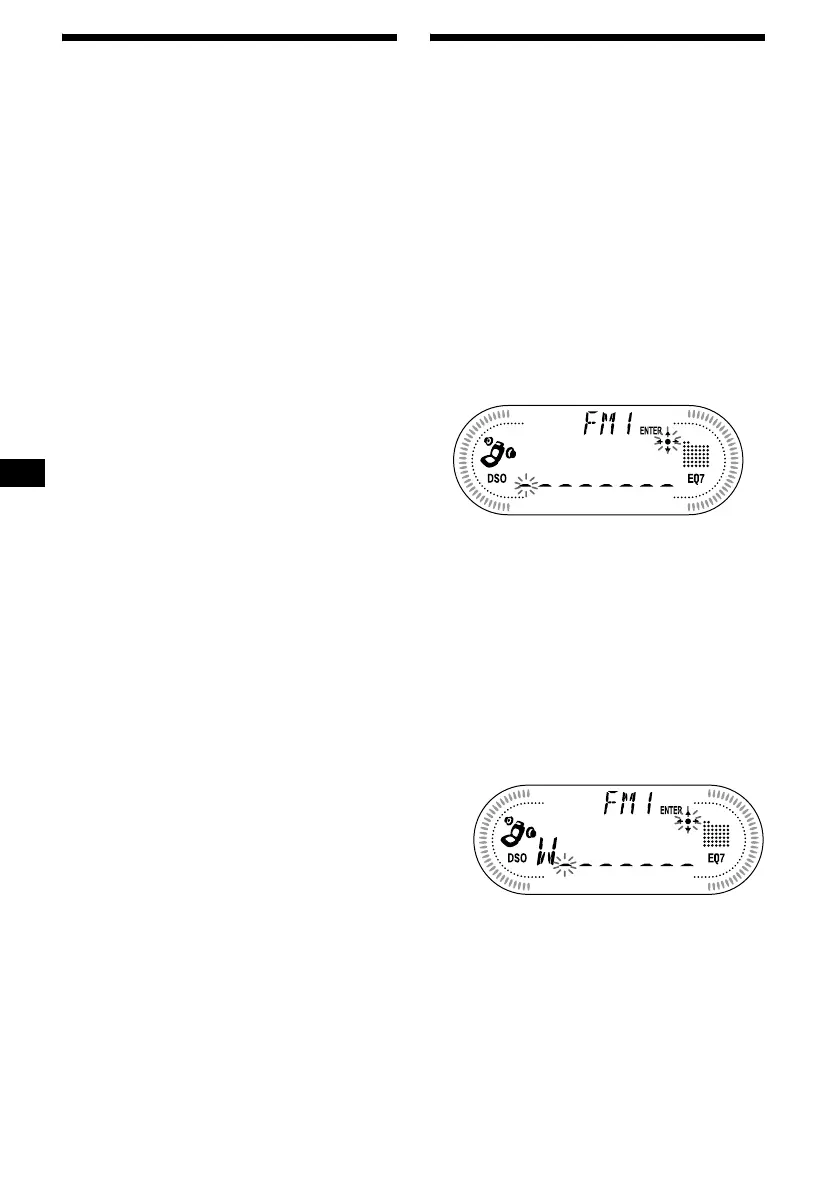
4 Enter the characters.
1Press the (+)*
1
side of
(DISC/PRESET) repeatedly to select
the desired character.
A t B t C ... t 0 t 1 t 2 ... t +
t – t
*
... t _*
2
t A
*1 For reverse order, press the (–) side of
(DISC/PRESET).
*2 (blank space)
2Press the (+) side of (SEEK) after
locating the desired character.
If you press the (–) side of (SEEK), you can
move back to the left.
3Repeat steps 1 and 2 to enter the
entire name.
5 Press (ENTER).



 To Next Page