5GB
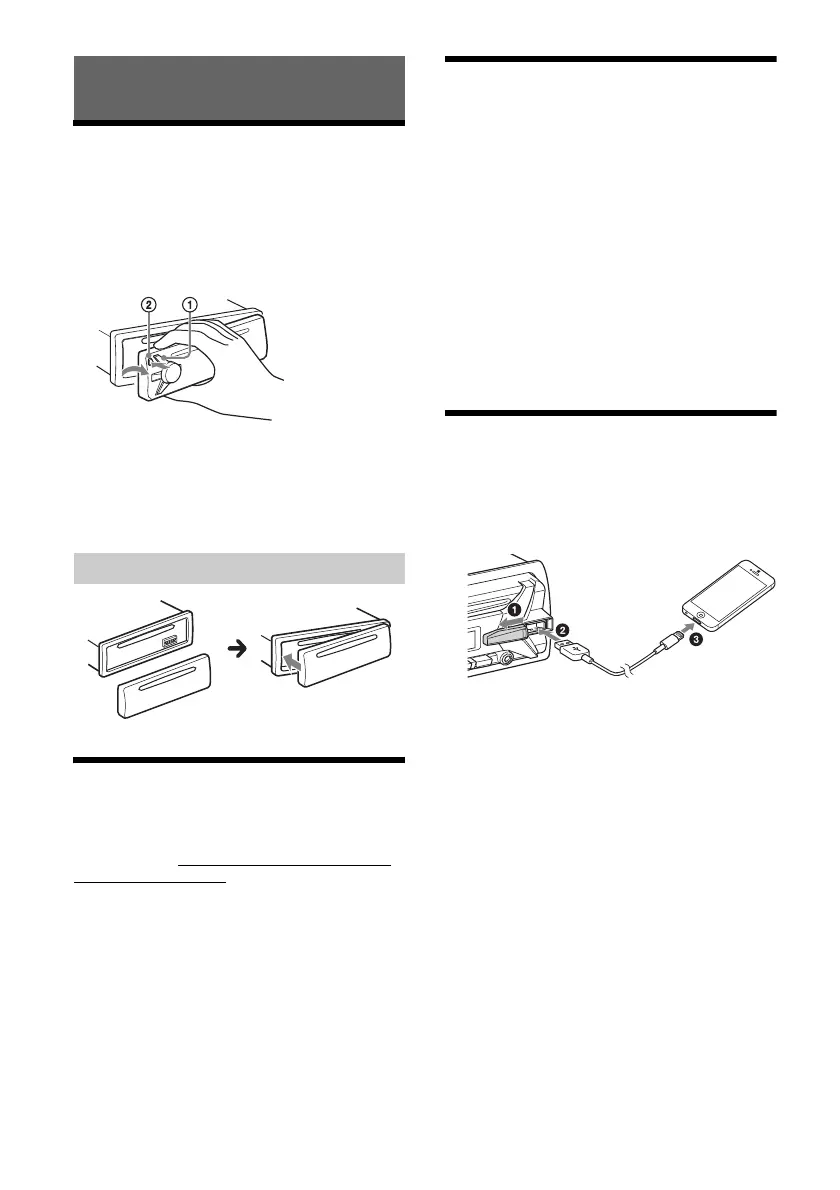
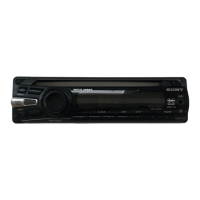
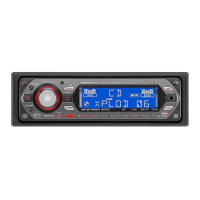
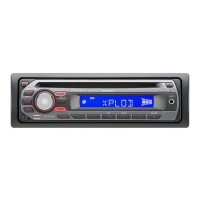
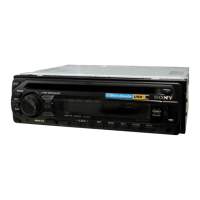
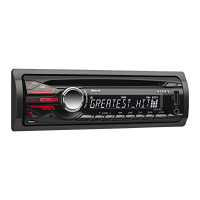
Detaching the Front Panel
You can detach the front panel of this unit to
prevent theft.
1 Press and hold OFF until the unit turns
off, press the front panel release button
, then pull the panel towards you to
remove.
Caution alarm
If you turn the ignition switch to the OFF position
without detaching the front panel, the caution
alarm will sound for a few seconds. The alarm will
only sound if the built-in amplifier is used.
Switching the FM/AM Tuning
Step
Set the FM/AM tuning step of your country. This
setting appears only while the source is off and
the clock is displayed.
1 Press MENU, rotate the control dial to
select [GENERAL], then press it.
2 Rotate the control dial to select [TUNER-
STP], then press it.
3 Rotate the control dial to select from
[50K/9K], [100K/10K] or [200K/10K], then
press it.
Setting the Clock
1 Press MENU, rotate the control dial to
select [GENERAL], then press it.
2 Rotate the control dial to select [CLOCK-
ADJ], then press it.
The hour indication flashes.
3 Rotate the control dial to set the hour
and minute.
To move the digital indication, press SEEK +/–.
4 After setting the minute, press MENU.
The setup is complete and the clock starts.
To display the clock
Press DSPL.
Connecting an iPod/USB Device
1 Turn down the volume on the unit.
2 Connect the iPod/USB device to the unit.
To connect an iPod/iPhone, use the USB
connection cable for iPod (not supplied).
Getting Started
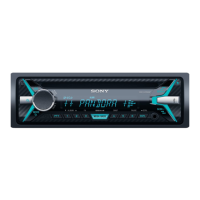
Attaching the front panel


 To Next Page