12
Type of programs
Notes
• You cannot use this function in countries/regions
where no PTY data is available.
• You may receive a different radio program from the
one you select.
Setting CT
1 Set “CT-ON” in setup (page 20).
Notes
• The CT function may not work even though an RDS
station is being received.
• There might be a difference between the time set by
the CT function and the actual time.
CD
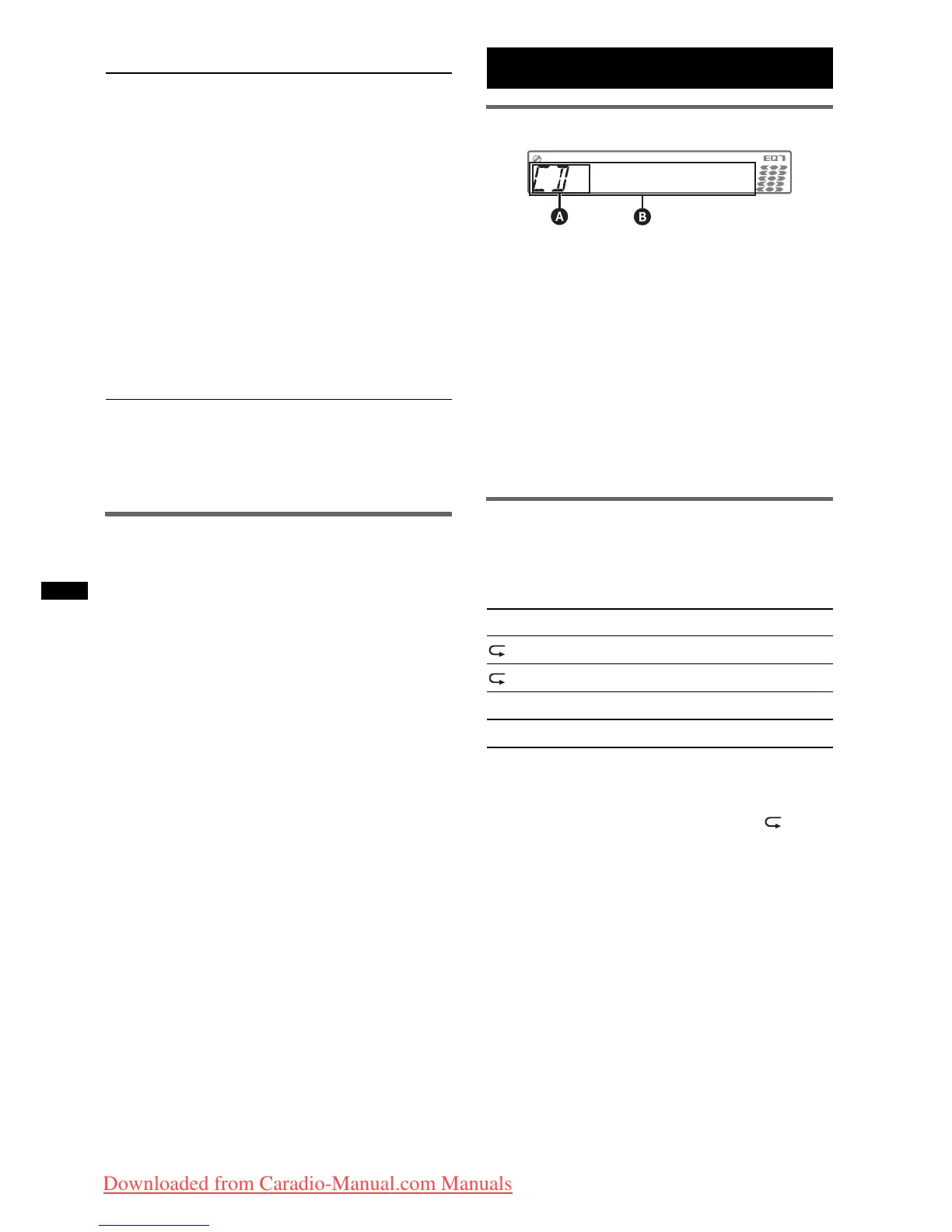
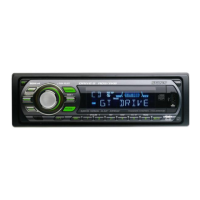
Display items
A Source
B Track name*
1
, Disc/artist name*
1
, Artist
name*
1
, Album number*
2
, Album name*
1
,
Track number/Elapsed playing time, Clock
*1 The information of a CD TEXT, MP3/WMA/AAC is
displayed.
*2 Album number is displayed only when the album is
changed.
To change display items B, press (DSPL).
Tip
Displayed items may differ depending on the disc type,
recording format and settings.
Repeat and shuffle play
1 During playback, press (3) (REP) or
(4) (SHUF) repeatedly until the
desired setting appears.
* When an MP3/WMA/AAC is played.
After 3 seconds, the setting is complete.
To return to normal play mode, select “ OFF”
or “SHUF OFF.”
NEWS (News), AFFAIRS (Current Affairs),
INFO (Information), SPORT (Sports),
EDUCATE (Education), DRAMA (Drama),
CULTURE (Culture), SCIENCE (Science),
VARIED (Varied), POP M (Pop Music),
ROCK M (Rock Music), EASY M (M.O.R.
Music), LIGHT M (Light classical),
CLASSICS (Serious classical), OTHER M
(Other Music), WEATHER (Weather),
FINANCE (Finance), CHILDREN (Children’s
program), SOCIAL A (Social Affairs),
RELIGION (Religion), PHONE IN (Phone In),
TRAVEL (Travel), LEISURE (Leisure), JAZZ
(Jazz Music), COUNTRY (Country Music),
NATION M (National Music), OLDIES (Oldies
Music), FOLK M (Folk Music), DOCUMENT
(Documentary)
Select To play
TRACK track repeatedly.
ALBUM* album repeatedly.
SHUF ALBUM* album in random order.
SHUF DISC disc in random order.
Downloaded from Caradio-Manual.com Manuals



 To Next Page