11
Searching a track by listening to
track passages — ZAPPIN™
While playing back short track passages in a CD
or USB device in sequence, you can search for a
track you want to listen to.
ZAPPIN mode is suitable for searching for a
track in shuffle or shuffle repeat mode.
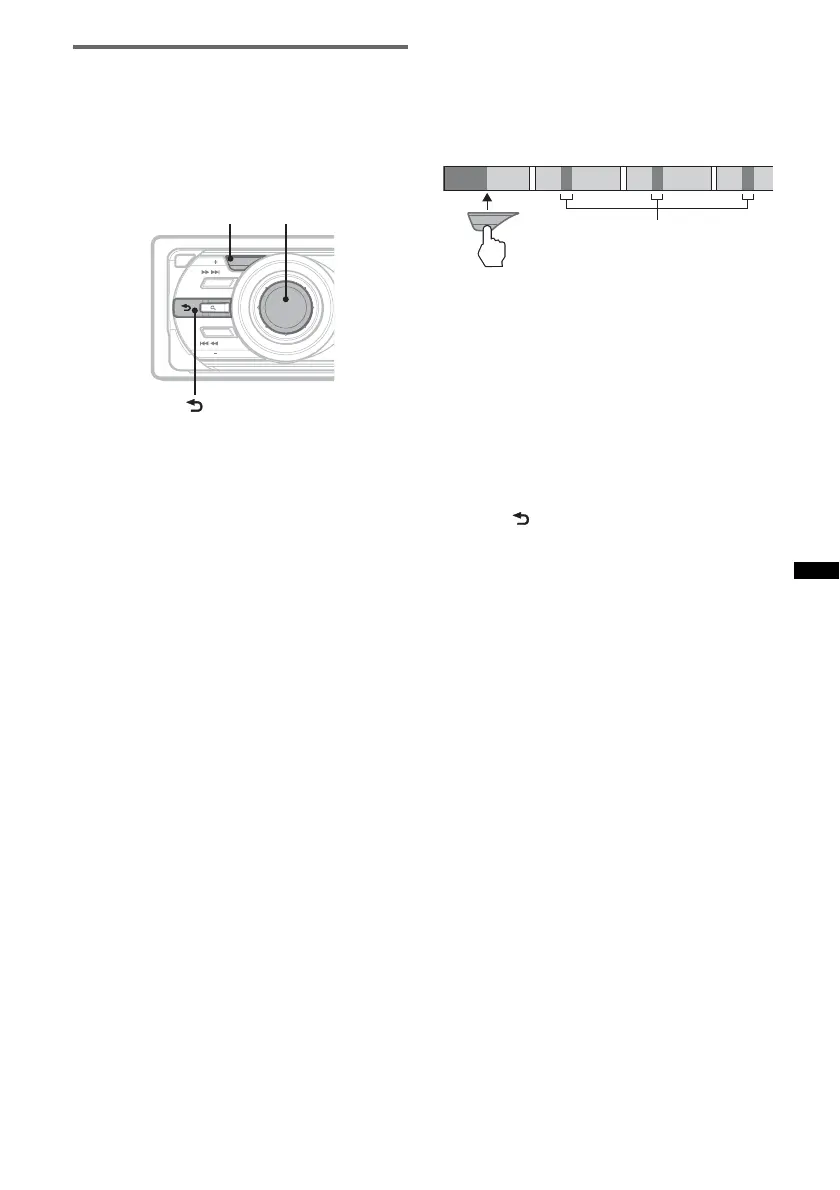
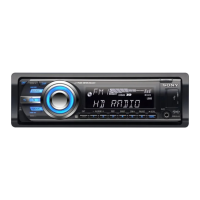
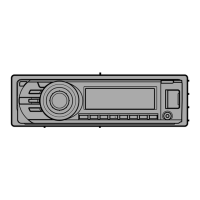
1 Press (ZAP) during playback.
Playback starts from a passage of the next
track.
The passage is played for the set time, then a
click sounds and the next passage starts.
2 Press the Select Button or (ZAP) when
a track you want to listen is played
back.
The track that you select returns to normal
play mode from the beginning.
To search a track by ZAPPIN mode again,
repeat steps 1 and 2.
Tips
• You can select the playback time from about 6
seconds/9 seconds/30 seconds (page 21).You
cannot select the passage of the track to playback.
• Press (SEEK) –/+ or (3)/(4) (ALBUM –/+) in
ZAPPIN mode to skip a track or album.
• Pressing (BACK) also confirms a track to
playback.
OFF
SOURCE
MODE
ZAP
SEEK
SEEK
P
U
S
H
E
N
T
E
R
/
S
O
U
N
D
/
M
E
M
U
ZAP Select Button
(BACK)
ZAP
1
2
3
4
The part of each track to
playback in ZAPPIN mode.
Track


 To Next Page