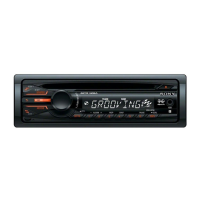
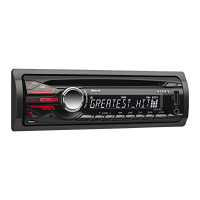
15
CD
Playing a disc
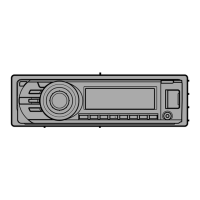
1 Press (OPEN).
2 Insert the disc (label side up).
3 Close the front panel.
Playback starts automatically.
Ejecting the disc
1 Press (O PEN).
2 Press Z.
The disc is ejected.
3 Close the front panel.
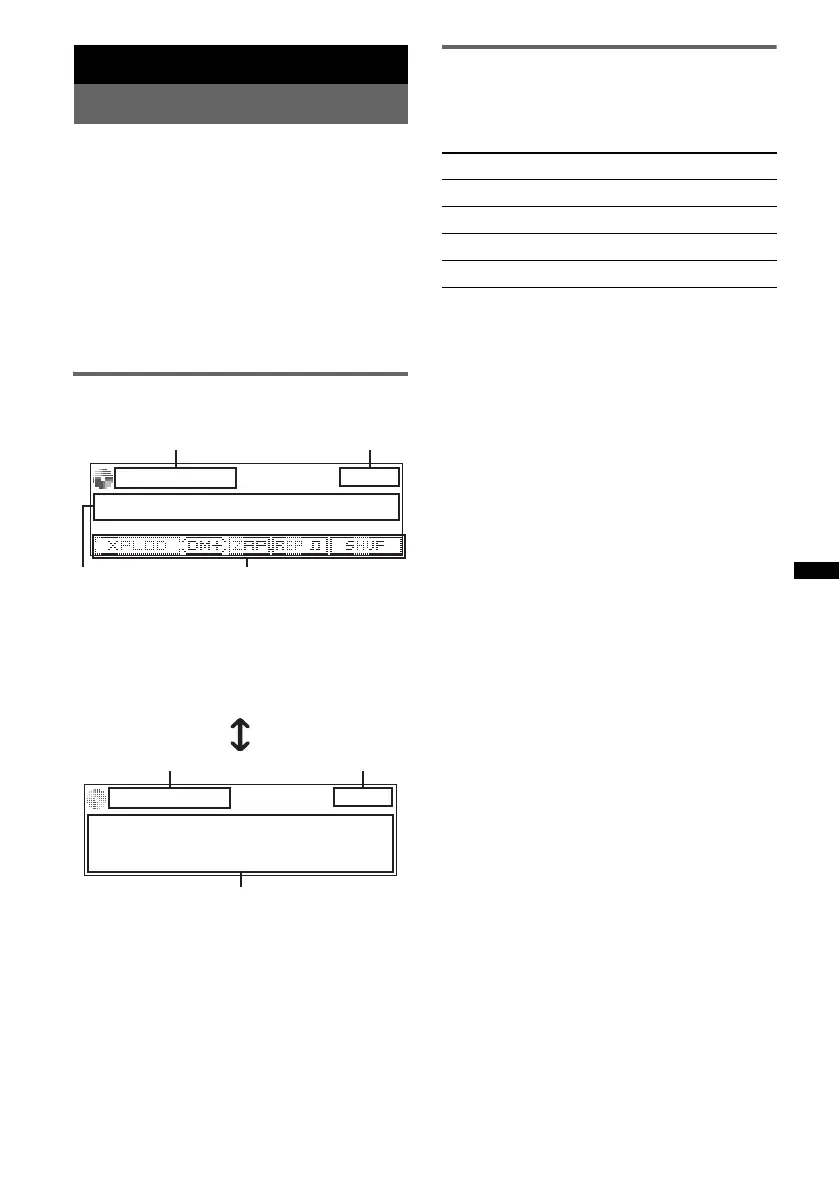
Display items
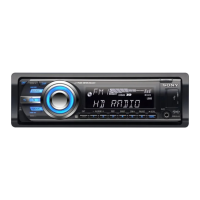
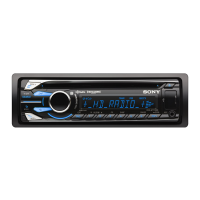
To change display items, press (DSPL).
A Source
B Clock
C Track name*, Artist name*, Disc/album
name*
D EQ3 Parametric Preset/DM+ Advanced/
ZAPPIN/Repeat/Shuffle
A Source
B Clock
E Artist name*, Disc/album name*, Track
name*, Disc/Album number, Track number,
Elapsed playing time
* The information of a CD TEXT, MP3/WMA/AAC is
displayed.
Tip
Displayed items will differ depending on the disc type,
recording format and settings.
Repeat and shuffle play
1 During playback, press (1) (REP) or
(2) (SHUF) repeatedly until the
desired setting appears.
* When an MP3/WMA/AAC is played.
To return to normal play mode, select “Repeat
Off” or “Shuffle Off.”
A
B
A
B
Select To play
Repeat Track track repeatedly.
Repeat Album* album repeatedly.
Shuffle Album* album in random order.
Shuffle Disc disc in random order.


 To Next Page