EasyManua.ls Logo

Sony CDX-M20 - CD Playback Operations; Inserting and Playing a Disc; Changing CD Display Information; Track Playback Modes (Repeat;Shuffle)

Sony CDX-M20
45 pages
Print Icon
To Next Page IconTo Next Page
To Previous Page IconTo Previous Page
Loading...
12
This
unit
can
play
CD-DA
(also
containing
CD
TEXT)
and
CD-R/CD-RW
(MP3/
WMA
files (page 18)).
1
Insert
the
disc
(label
side
up).
Playback starts automatically.
To eject
the
disc,
press~.
Changing
display
items
Displayed items
may
differ
depending
on
the model, disc type, recording
format
and
settings.
---
Press (
DSPL).
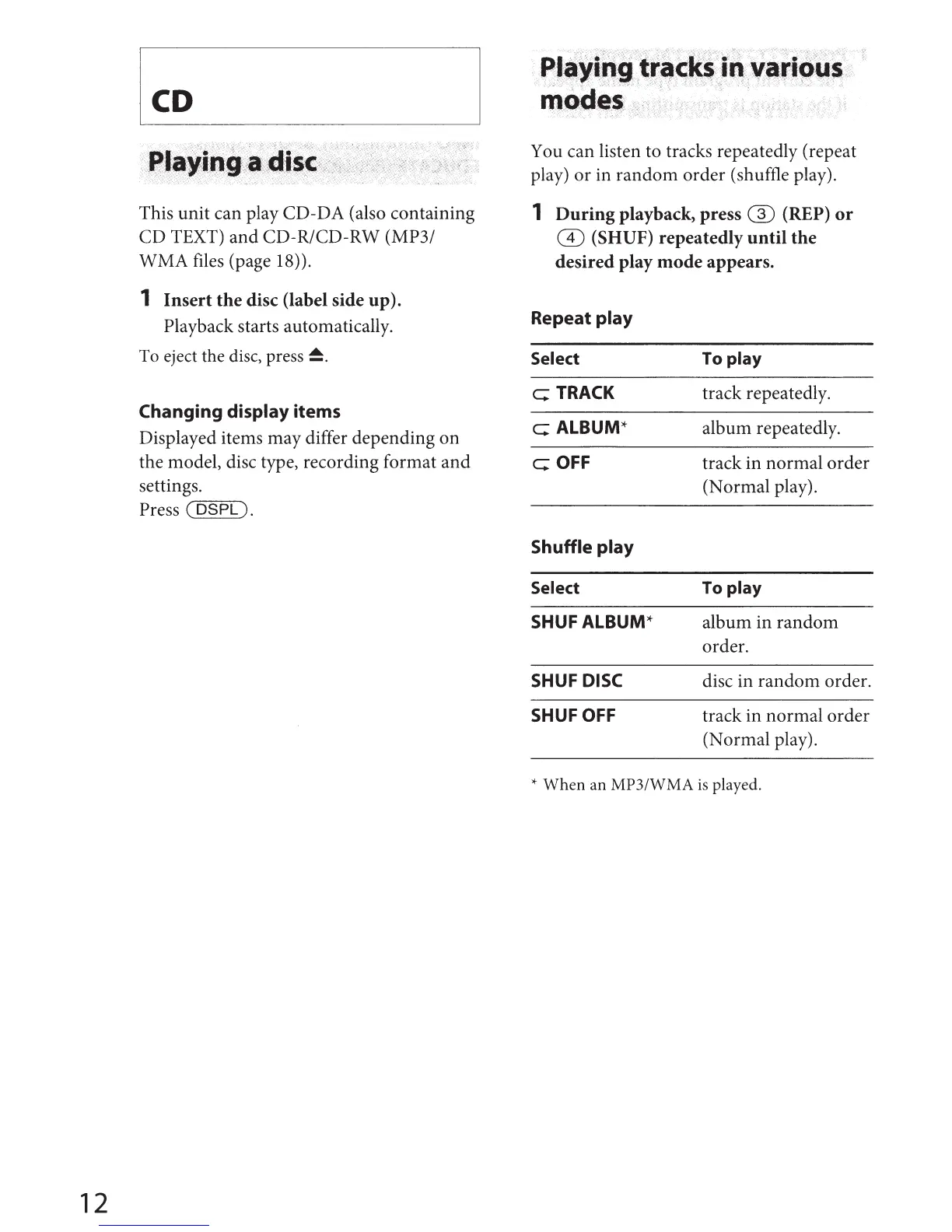
You can listen to tracks repeatedly (repeat
play)
or
in
random
order
(shuffle play).
1
During
playback,
press
G)
(REP)
or
CD
(SHUF)
repeatedly
until
the
desired
play
mode
appears.
Repeat
play
Select
c:;
TRACK
c:;
ALBUM*
c:; OFF
Shuffle
play
Select
SHUFALBUM*
SHUF DISC
SHUF OFF
To
play
track
repeatedly.
album
repeatedly.
track
in
normal
order
(Normal
play).
To
play
album
in
random
order.
disc
in
random
order.
track
in
normal
order
(Normal
play).
*
When
an
MP3/WMA
is
played.

Other manuals for Sony CDX-M20

Related product manuals