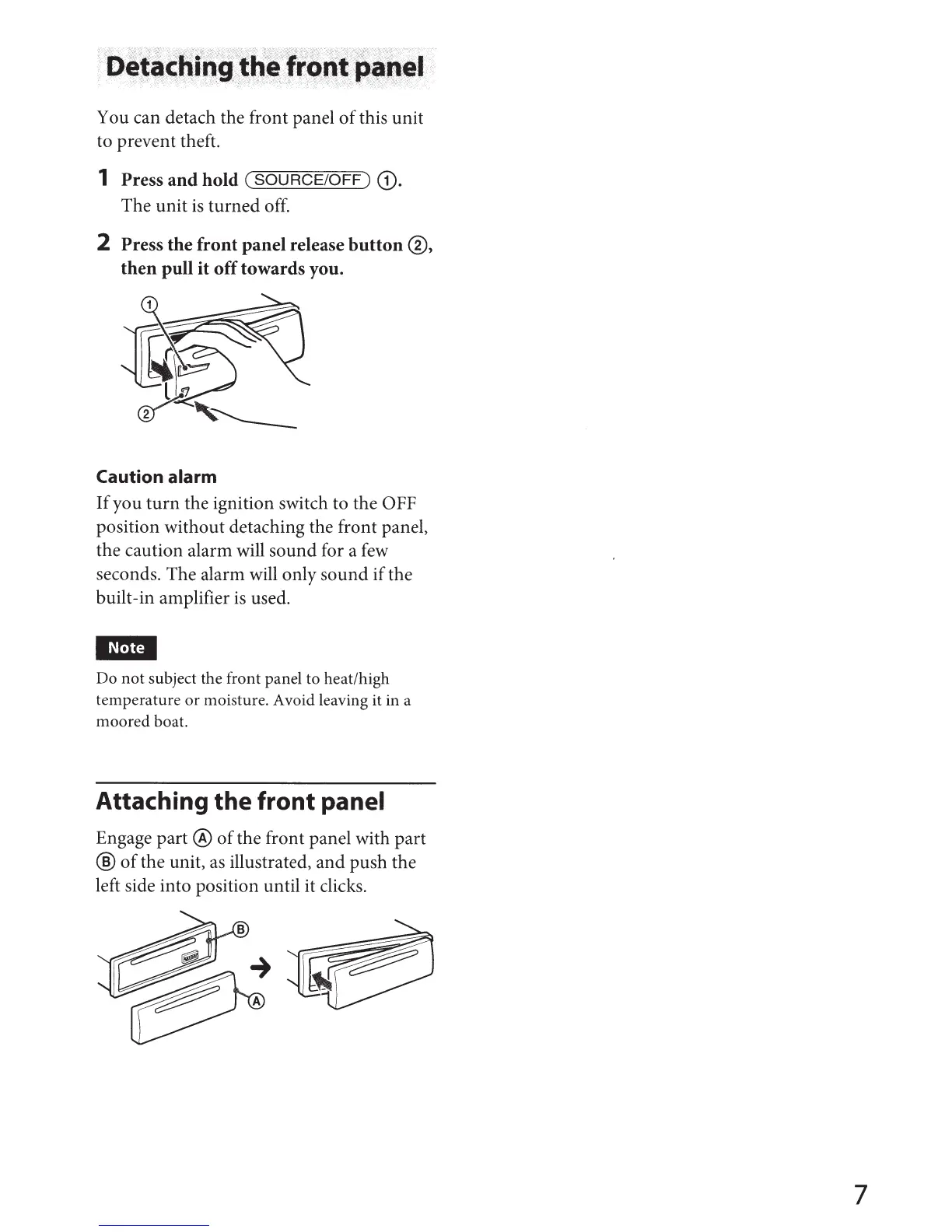
You can detach the front panel
of
this unit
to prevent theft.
1 Press
and
hold
(SOURCE/OFF)
G).
The unit
is
turned off.
2 Press
the
front
panel release
button
®,
then
pull
it
off
towards you.
Caution alarm
If
you
turn
the ignition switch to the OFF
position without detaching the front panel,
the caution alarm will sound for a few
seconds. The alarm will only sound if the
built-in amplifier
is
used.
I~Mtj
Do
not
subject the front panel to heat/high
temperature
or
moisture. Avoid leaving it in a
moored
boat.
Attaching the front panel
Engage part ®
of
the front panel with part
®
of
the unit,
as
illustrated, and push the
left side into position until it clicks.
7



 To Next Page