28
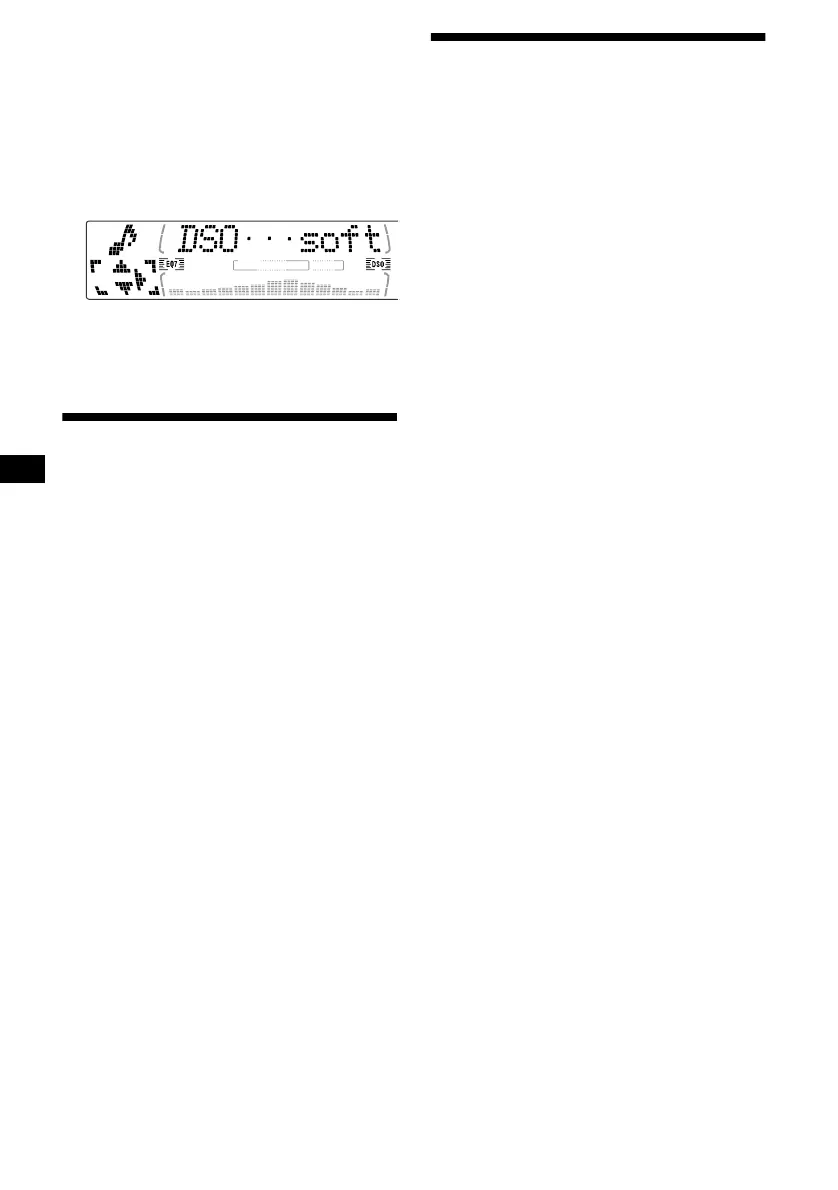
If the sound from the tweeter is too
shrill (CDX-M770)
1 While the unit is operating, press
(MENU).
2 Press M or m repeatedly until “DSO
norm” appears.
3 Press , to select “DSO soft.”
4 Press (MENU).
To restore the sound, select “DSO norm.”
Listening to each programme
source in its registered DSO
— Source Sound Memory (SSM)
Each time you return to the same source, you can
hear the same DSO menu and equalizer curve
registered for that source, even after changing the
programme source or turning the unit off and
then on again.
Adjusting the sound
characteristics
You can adjust the sound characteristics.
The bass and treble levels and subwoofer volume
can be stored independently for each source.
1 Select the item you want to adjust by
pressing (SOUND) repeatedly.
Each time you press (SOUND), the item
changes as follows:
(CDX-M770)
POS (position) t BAL (left-right)
t F (front volume) t R (rear volume)
t SUB (subwoofer volume)
(CDX-M670, MDX-M690)
BAS (bass)
t TRE (treble)
t BAL (left-right) t FAD (front-rear)
t SUB (subwoofer volume)
2 Adjust the selected item by pressing
< or ,.
When adjusting with the rotary commander,
press (SOUND) and rotate the VOL control.
Note
Adjust within 3 seconds after selecting the item.



 To Next Page