5
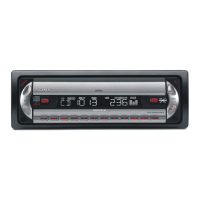
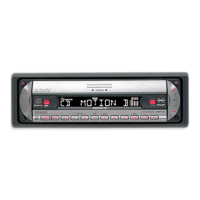
CDX-R6550
2-348-439-21 (1)
H:\Data Disk\2348439211\234843921CDXR6550EUR\01GB02CD-EUR.fm masterpage:RightH:\Data Disk\2348439211\234843921CDXR6550EUR\01GB02CD-EUR.fm masterpage:Right
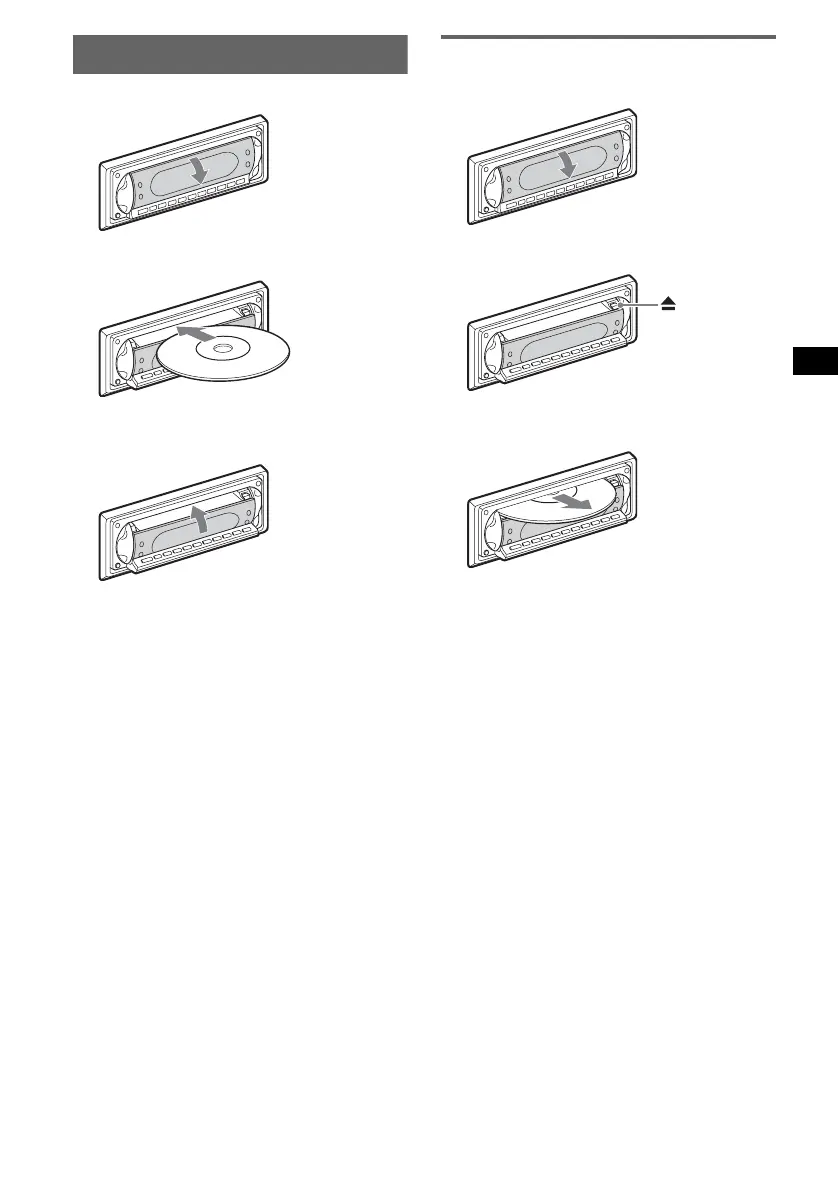
Inserting the disc in the unit
1 Open the shutter.
2 Insert the disc label side up.
Playback starts.
3 Close the shutter.
Ejecting the disc
1 Open the shutter.
2 Press Z.
The disc is ejected.
Note
While inserting or ejecting the disc, do not close the
shutter. The disc may be caught and damaged.
Tip
The disc can be played with the shutter opened or
closed.
x
00GB+00COV-EUR.book Page 5 Monday, November 8, 2004 1:50 PM



 To Next Page