The CD Player18
EN
Preventing sound
from skipping
(ESP)
The ESP (Electronic Shock Protection)
function prevents the sound from
skipping by using a buffer memory that
stores music data for about 10 seconds.
1 Press OPERATE to turn on the player.
2 Press p.
“Cd” appears in the display.
3 Press ESP.
The ESP indicator lights up.
To release the ESP function
Press ESP again.
Notes
• Playing may stop when
the player gets a strong
shock even with the
ESP function on.
• You may hear a noise
or sound skip:
– when you listen to a
dirty or scratched
CD.
– when you listen to an
audio test CD.
– when the player
receives continuous
shock.
• Sound may drop for a
while if you press ESP
during play.
• During recording, you
cannot change the
setting of the ESP
function.
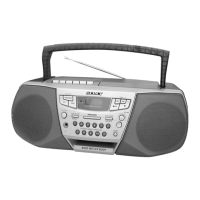
ESP indicatorOPERATE ESP
p



 To Next Page
 Loading...