33 GB
Getting
Started
Your Sony
CMD-J7/J70
Basic
Operation
Menu
Operation
Appendix
Sounds
Choose Sounds to access any sound-related
option in your CMD-J7/J70, for example
ringer melodies, ringer volume, enable/
disable sounds, and record your own ringer
melodies or other sounds.
Ringer
} ” Sounds } Ringer
Ringer Volume
Choose from four ringer volume levels or turn
the ringer off.
Ringer Type
Select from among different ringer melodies.
Group Ringer
Assign a ringer sound to the different groups
saved in your Phonebook. It is not possible to
assign a ringer melody to a single name/
number.
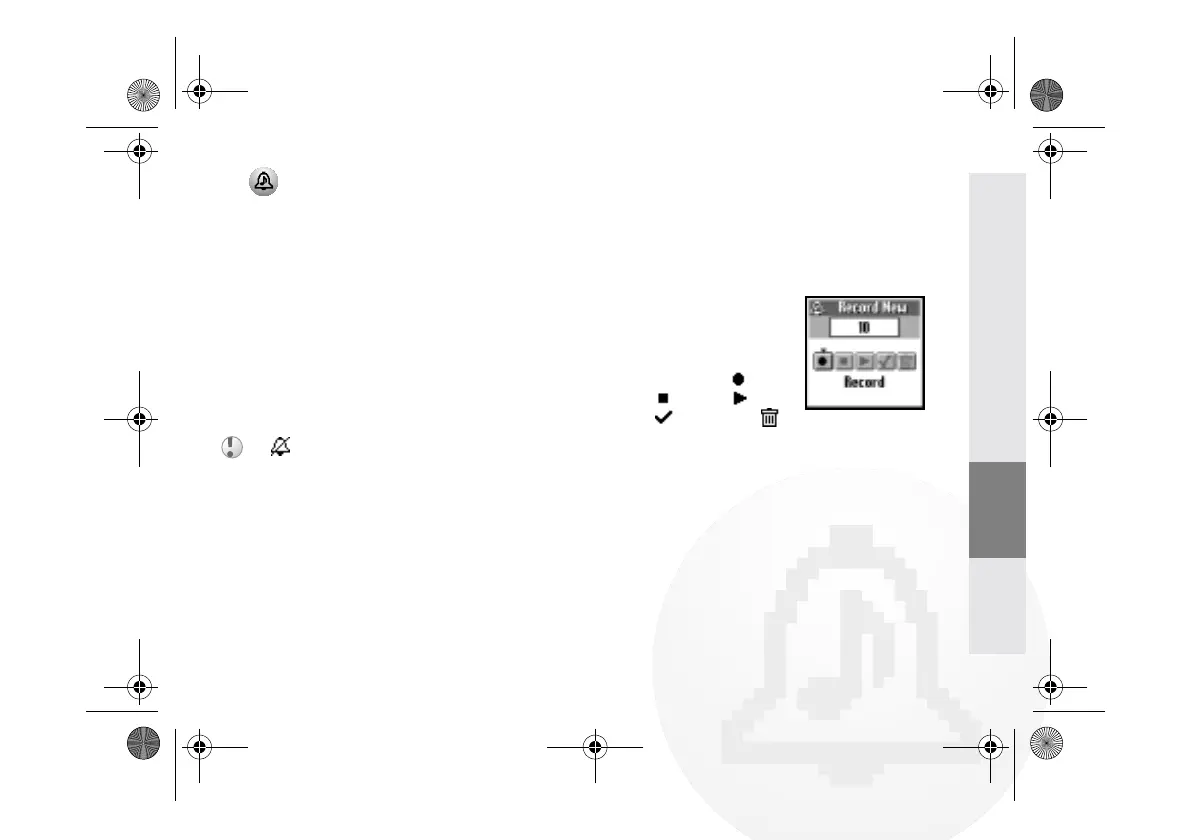
My Ringers
It is possible to record own
ringer sounds using the
phone's microphone.
Choose the respective
Icons to Record ( ),
Stop ( ), Play ( ),
Save ( ) or Delete ( )
a ringer melody.
• appears in standby mode to remind you
when the ringer is turned off.
• Quickly turn the ringer on/off by pressing the
Centre Key (see page 9). Adjust the ringer
volume during an incoming call (while ringing)
by rotating the Jog Dial.
01GB01COV-AE4.book Page 33 Tuesday, October 16, 2001 11:59 AM



 To Next Page