46 GB
Clock Chime
Choose from the following Clock Chime
options: Beep, 8h-20h, Off.
Set Date/Time
Use the Jog Dial and keypad to enter the day,
month and year (DD/MM/YY) as well as the
time in hours and minutes (HH/MM).
Calculator
} ‡ Extras } Calculator
The Calculator can perform addition (+),
subtraction (-), multiplication (×) and division
(÷).
• Press to go through the mathematical
operations of +, -, ×, ÷ in that order.
• Press to clear the entered value and the
result.
1 } ‡ Extras } Calculator
2 Enter a number.
3 Press to select the mathematical
function and then enter another number.
4 Press to select = for a result.
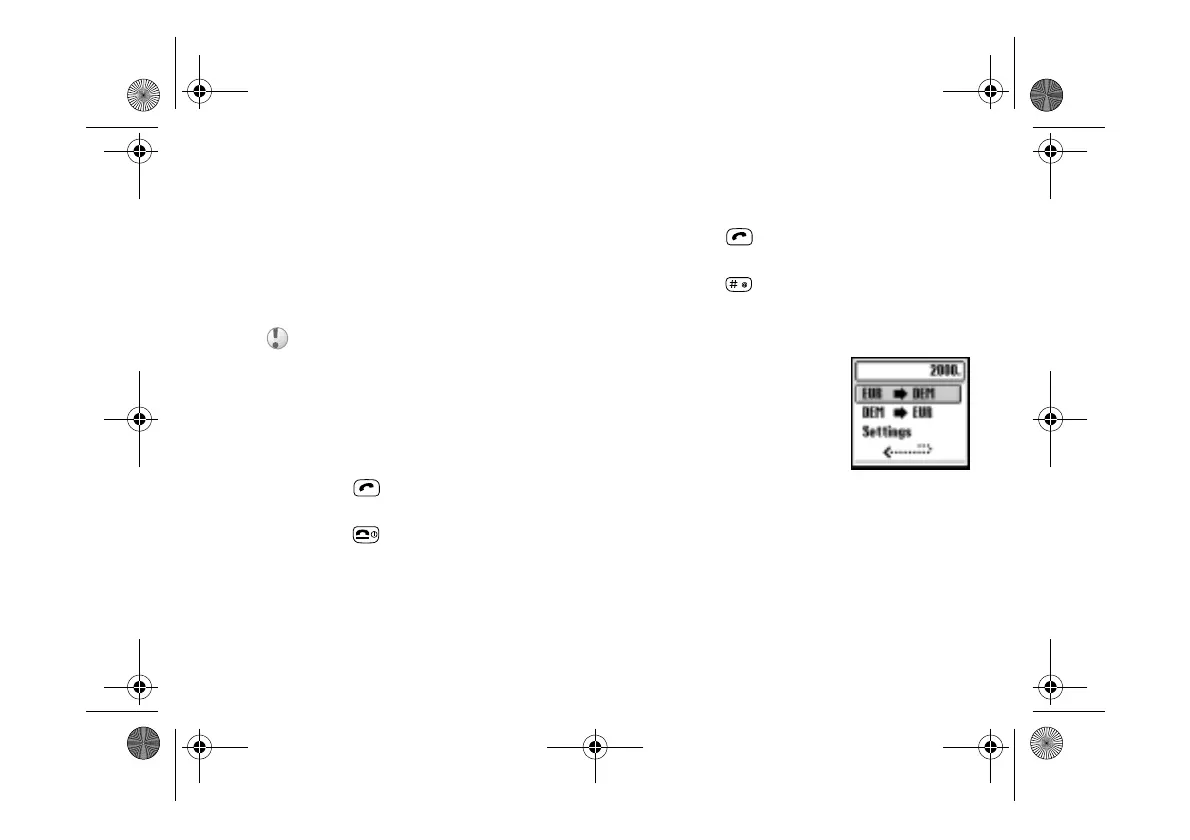
Currency Converter
You can also use the
calculator as a currency
converter.
1 Enter a number into
the calculator screen.
2 Press the Centre Key.
3 Select the desired currency exchange rate.
4 Press the Jog Dial.
If you insert a new battery, please reset the clock.
01GB01COV-AE4.book Page 46 Tuesday, October 16, 2001 11:59 AM



 To Next Page