13
GB
Basic Operations
CMT-U1.GB.2-683-463-11(1)
Listening to the radio
1
Select “FM” or “AM.”
Press TUNER/BAND
repeatedly.
2
Select the tuning mode.
Press TUNING MODE
repeatedly until
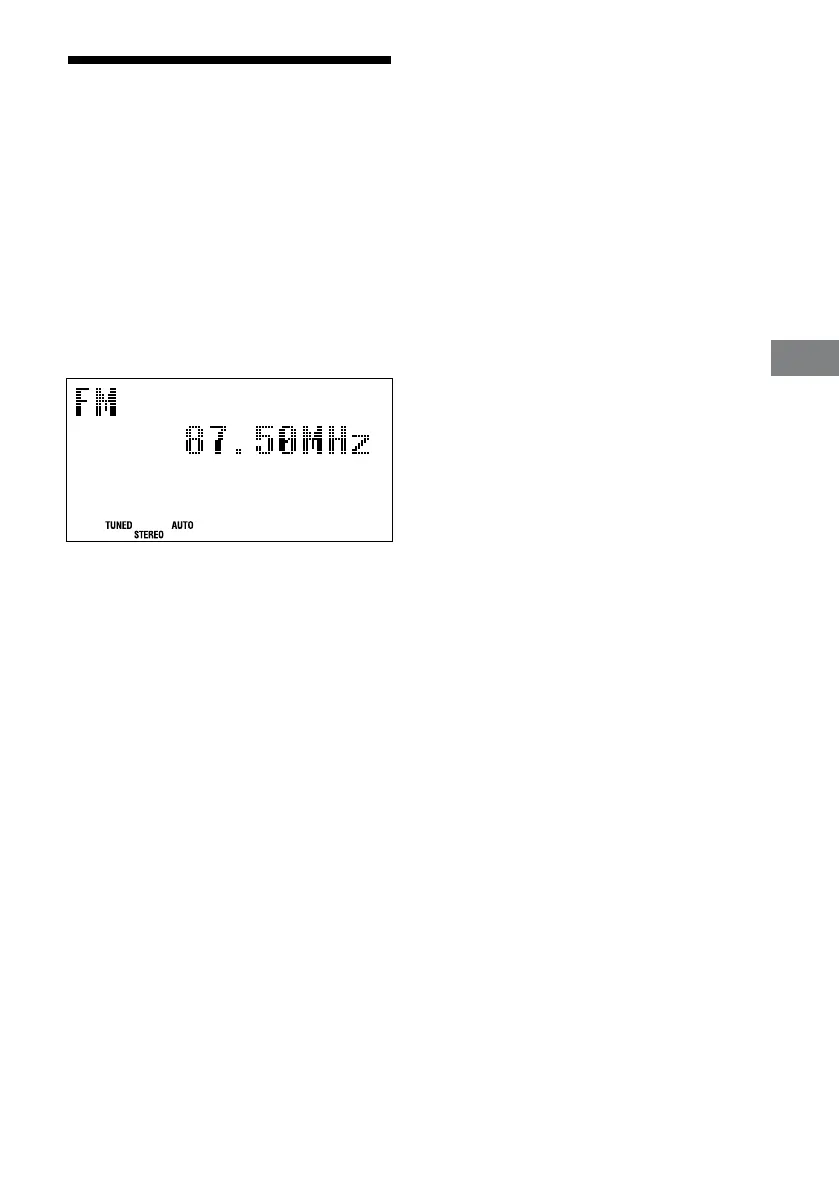
“AUTO” appears.
3
Tune in the desired station.
Press +/– (or TUNE +/– on the unit)
. Scanning stops automatically when a
station is tuned in, and then “TUNED” and
“STEREO” (for stereo programs) appear.
When you tune in a station that provides
RDS services, the station name appears on
the display (European model only).
4
Adjust the volume.
Press VOLUME +/–
.
To stop automatic scanning
Press
.
To tune in a station with a weak signal
If “TUNED” does not appear and the scanning
does not stop, press TUNING MODE
repeatedly until “AUTO” and “PRESET”
disappear, and then press +/– (or TUNE +/– on
the unit)
repeatedly to tune in the desired
station.
To reduce static noise on a weak FM stereo
station
Press FM MODE
repeatedly until “MONO”
appears to turn o stereo reception.



 To Next Page