Computer Monitors Service Bulletin No. 34R13
Page 8 of 9
IMPORTANT NOTES ON SW AND HW UPDATES
• Newly released DAS SW Versions will be announced via updates of this
Service Bulletin.
The DAS SW is obtained by downloading from one of the following (2)
Internet Web Sites.
Sony Service Center (SSC Web Site):
Contact your Sony Service Center manager to obtain the URL address,
username, and password needed to access the SSC Web Site.
Sony Authorized Service Center (ASC Web Site):
Contact your Sony Technical Representative to obtain the URL address,
username, and password needed to access the ASC Web Site.
• The Start Up Kit Does Not include HW Items 8-17. Items 8-17 are
required for communication between the PC and the Monitor. These
cables and adapters are Monitor chassis dependent. See the following
Set Up illustrations.
• DAS Jx.x.x versions require use of a HOST PC with 486/66Mhz or higher
speed rating. WinDAS versions require a Pentium or higher PC Platform.
Pentiums do not support the VG-515 Video Signal Generator.
• DAS Windows HASP Key works with DAS Windows and J versions.
DAS J Version Security Key works with DAS J Versions only.
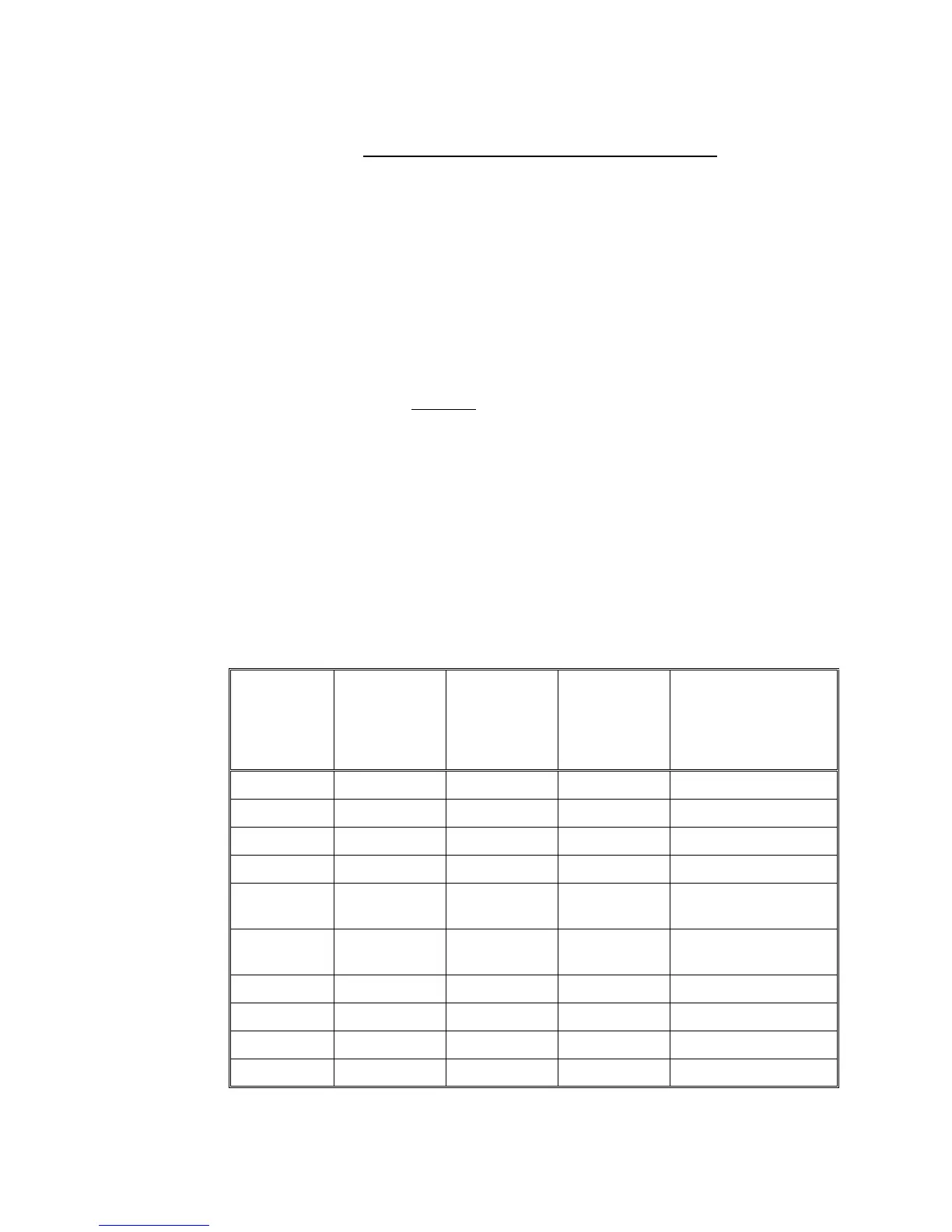
VIDEO SIGNAL GENERATORS
SUPPORTED BY THE DAS SYSTEM
DAS 3.5 DAS 5.7D DAS JA1.0.1
DAS JB1.0.2
DAS JC1.4.5
DAS JC H1
DAS JN 1.0.7
WinDAS
Ver. 1.3.3
VIDEO SIGNAL
GENERATOR
TYPES
X X X X Astro VG-819
X X X X Astro VG-819S
X X Astro VG-823
X X Astro VG-823DAS
X X X X Quantum Data
QD801GF
X X X X Quantum Data
QD801GF-ISA
XX X TEAM VG-515
X X X X TEAM VG-516pc
X X X X TEAM VG-530pc
X X X Sencore CM-2250



 To Next Page