6
D-EJ1000
SECTION 2
GENERAL
This section is extracted
from instruction manual.
Locating the controls
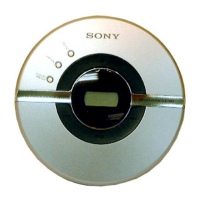
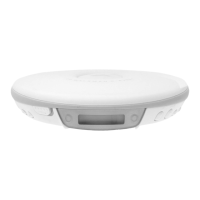
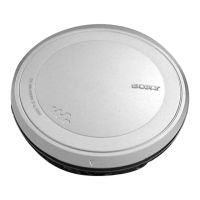
CD player (front)
CD player (inside)
4 x (stop) /CHARGE button•
CHARGE lamp
6 i (headphones) jack
9 AVLS switch
1 EXT BATT (external battery)/
DC IN 4.5 V (external power
input) jack
3 VOL (volume) +*/– buttons
2 LINE OUT (OPTICAL) jack
qs HOLD switch
7 OPEN switch
8 Terminals for the charging stand
qa Battery
compartment
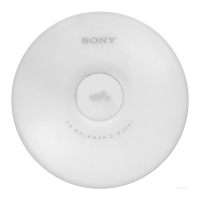
CD player (rear)
q; G-PROTECTION
switch
5 .(AMS/search)•> N*
(AMS/search/play) buttons
*The button has a raised dot to help you operate the CD player by touch.
Remote control
Note
Use only the supplied remote control. You cannot
operate this CD player with the remote control
supplied with other CD players.
qg x (stop) button
qk PLAY MODE
button
qd Display
qj DISPLAY
button
wd SOUND button
qf Rotary control
N/>: play, AMS/search
.: AMS/search
VOL +/–: Pull the control in the direction of the
arrow, and then turn it toward + or –.
ql RPT (repeat)/ENT
(enter) button
w; HOLD switch
qh Clip
wa i (headphones) jack
ws X (pause) button



 To Next Page