Changing Optional
Settings
For details about the setting of OPTION
items, see
page 25.
Setting various functions
You can set the various functions such as the
language for the menu and the playback order
of the groups/files.
1
Press DSPL/MENU on the player
until the menu screen appears.
2
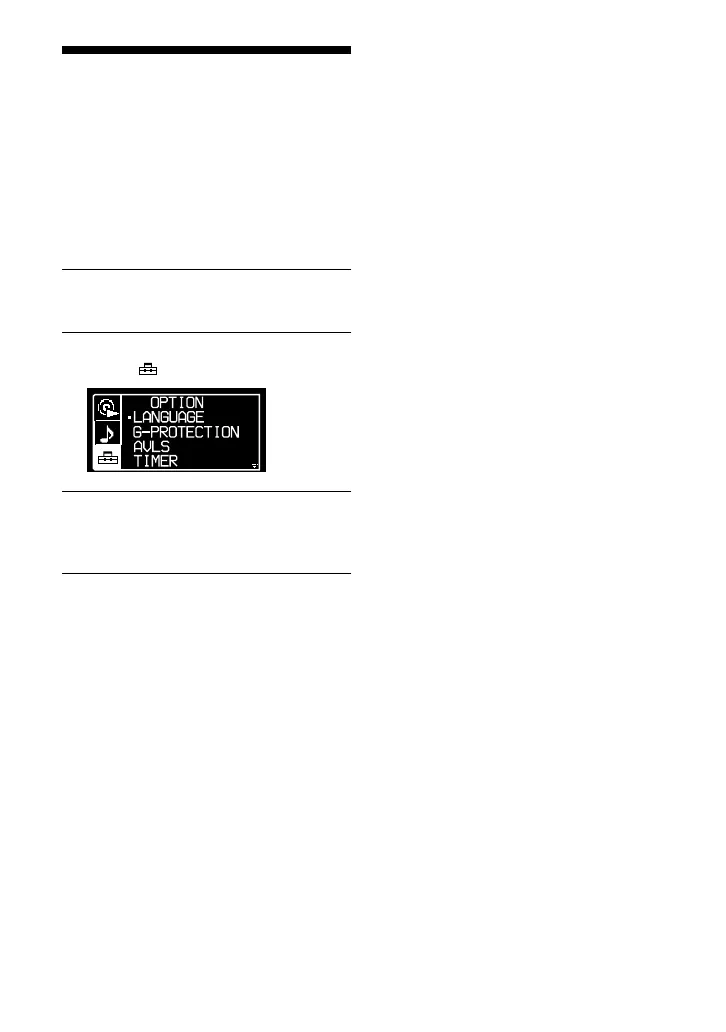
Turn the jog lever toward / to
select “ OPTION” and press .
3
Flick the jog lever toward / to
select the item you want to set up
and press .
4
Flick the jog lever toward / to
select an option and press .
When you are setting the “LANGUAGE”
or “PLAY ORDER”, repeat step 4.
24 GB
D-NE520.GB_U/CA.2-541-662-11(1)



 To Next Page