20
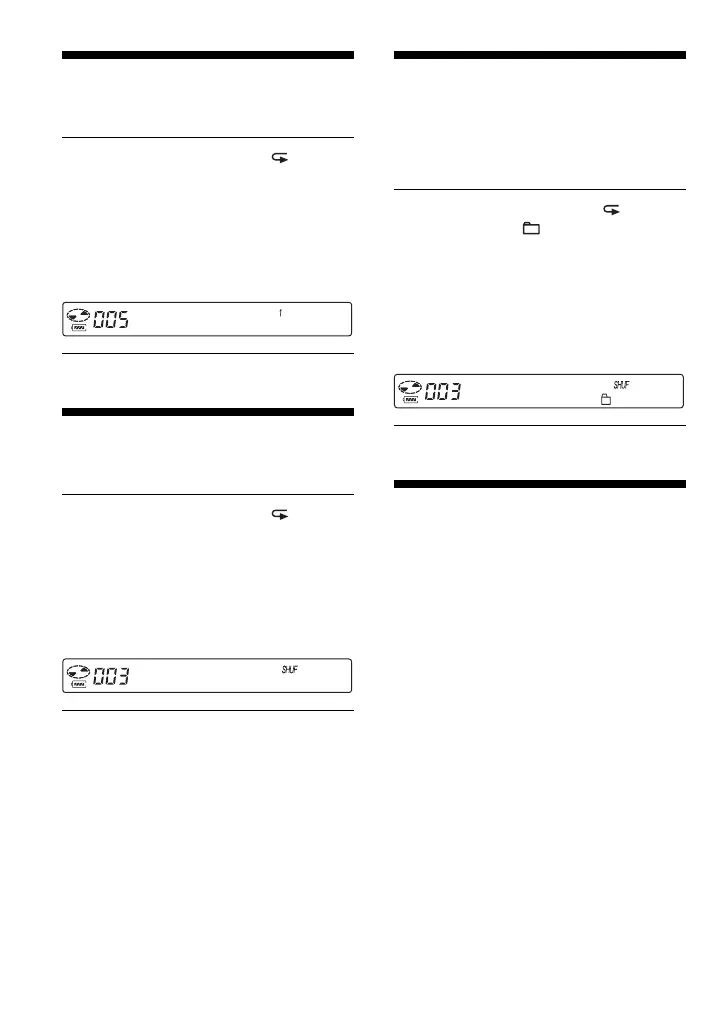
Playing a single track
(Single play)
During play, press P MODE/
repeatedly until “1” appears. (CD
player: Perform steps 1 and 2 of
“Selecting playback options on the
CD player” (page 19), press F or f to
select “1,” then press DSPL/MENU to
enter the selection.)
03:45
Playing tracks in
random order (Shuffle play)
During play, press P MODE/
repeatedly until “SHUF” appears. (CD
player: Perform steps 1 and 2 of
“Selecting playback options on the
CD player” (page 19) and press F or f
to select “SHUFFLE”, then press
DSPL/MENU to enter the selection.)
01:25
Playing all files in a
selected group in
random order (Group shuffle
play) (ATRAC CD/MP3 CD only)
During play, press P MODE/
repeatedly until “ SHUF” appears.
(CD player: Perform steps 1 and 2 of
“Selecting playback options on the
CD player” (page 19) and press F or f
to select “GROUP SHUFFLE”, then
press DSPL/MENU to enter the
selection.)
01:25
Playing your favorite
play lists (m3u play list play)
(MP3 CD only)
You can play your favorite m3u play lists.*
* An “m3u play list” is a file for which an MP3 file
playing order has been encoded. To use the play
list function, record MP3 files on a CD-R/RW
using encoding software that supports the m3u
format.





 To Next Page