4
Enjoy your ATRAC CD Walkman!
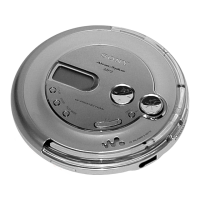
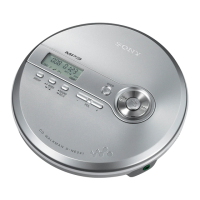
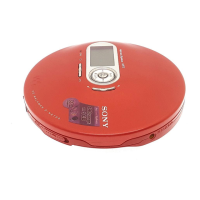
Thank you for purchasing the D-NE700. This CD Walkman is called an “ATRAC CD Walkman,”
because you can enjoy “ATRAC CDs” on it.
You can make your own ATRAC CD easily.
How to use the SonicStage Simple Burner
Refer to the supplied booklet “SonicStage Simple Burner.”
,
Audio data is converted to the ATRAC3plus/
ATRAC3 format by the SonicStage Simple
Burner.
Step 1
Install
Install the supplied
“SonicStage Simple Burner”
software.
Step 2
Burn
Create a disc image and burn it on
a CD-R/RW using your PC.
or
MP3 filesAudio CDs





 To Next Page
