EasyManua.ls Logo

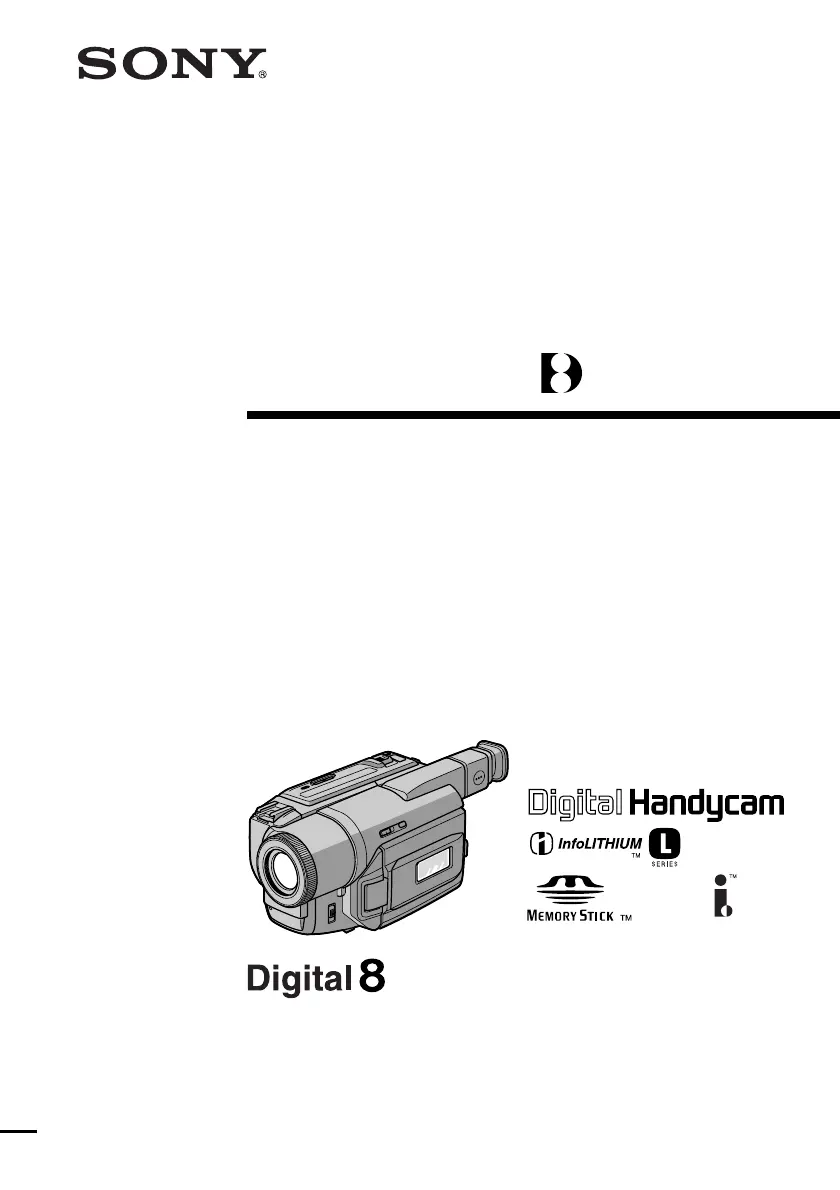
Sony D8 Digital Handycam DCR-TRV420E - User Manual

Sony D8 Digital Handycam DCR-TRV420E
184 pages
Print Icon
To Next Page IconTo Next Page
Loading...
3-059-563-12 (1)
Digital
Video Camera
Recorder
Operating Instructions
Before operating the unit, please read this manual thoroughly,
and retain it for future reference.
ИНСТРУКЦИЯ ПО ЭКСПЛУАТАЦИИ
Перед эксплуатацией аппарата внимательно прочтите,
пожалуйста, данное руководство и сохраняйте его для
дальнейших справок.
DCR-TRV420E/TRV520E
©2000 Sony Corporation
DCR-TRV520E

Table of Contents

Questions and Answers

  • B
    Brittany ThomasJul 30, 2025
    Why autofocus is not working on my Sony Camcorder?
    • A
      Aaron GonzalezJul 30, 2025
      If the autofocus on your Sony Camcorder isn't working, first ensure that the FOCUS setting is set to AUTO, not MANUAL. Also, certain shooting conditions might hinder autofocus performance, in which case switch to MANUAL focus.
  • M
    mcallahanAug 3, 2025
    How to fix SteadyShot on Sony D8 Digital Handycam DCR-TRV420E?
    • L
      Larry FrancoAug 4, 2025
      If the SteadyShot function on your Sony Camcorder isn't working, check the menu settings. If STEADYSHOT is set to OFF, change the setting to ON.
  • B
    Brittany AriasAug 9, 2025
    What to do if unknown picture is displayed on Sony D8 Digital Handycam DCR-TRV420E Camcorder?
    • J
      Jennifer RiveraAug 9, 2025
      If your Sony Camcorder displays an unexpected image on the LCD screen or in the viewfinder, it might be in demonstration mode. This happens if no cassette is inserted and the camcorder is left in CAMERA or DEMO MODE for 10 minutes. Insert a cassette to stop the demonstration, or disable DEMO MODE in the menu settings.
  • B
    bscottAug 14, 2025
    Why START/STOP button does not operate on Sony D8 Digital Handycam DCR-TRV420E?
    • K
      Kendra BrownAug 14, 2025
      If the START/STOP button on your Sony Camcorder isn't working, check the POWER switch. Ensure it is set to CAMERA and not OFF (CHARGE), VTR, or MEMORY.
  • V
    Vicki AndersonAug 19, 2025
    What to do if picture does not appear in Sony Camcorder viewfinder?
    • E
      edward81Aug 19, 2025
      If you don't see a picture in the viewfinder of your Sony Camcorder, make sure the LCD panel is closed.
  • Z
    Zachary SmithAug 25, 2025
    Why I cannot record in LP mode on my Sony D8 Digital Handycam DCR-TRV420E?
    • T
      Tommy MccarthyAug 25, 2025
      If you cannot record in LP mode on your Sony Camcorder, ensure you are using the correct type of tape. Standard 8 tapes are not compatible with LP mode; use Hi8/Digital8 tapes instead.

Sony D8 Digital Handycam DCR-TRV420E Specifications

General IconGeneral
ModelDCR-TRV420E
Optical Zoom20x
Effective Pixels460, 000 pixels
FocusAuto/Manual
MicrophoneStereo
LCD Screen Size2.5 inches
ViewfinderColor
Input/OutputS-Video
TypeDigital Camcorder
Image Sensor1/4-inch CCD

Related product manuals