61
Other Operations
FUNCTION
Watching the Video or
other Unit
You can use VCRs or other units connected
to the VIDEO 1 or VIDEO 2 jacks. Refer to
the operation manual supplied with the unit
for farther information on the operation.
Press FUNCTION repeatedly until
VIDEO 1 or VIDEO 2 that you connected
the unit to appears on the front panel
display.
Each time you press FUNCTION, the mode
of the system changes in the following
sequence.
DVD t VIDEO 1 t VIDEO 2 t
TUNER t DVD...
Controlling the TV
You can control your TV using the buttons
below.
By pressing You can
TV [/1 Turn the TV on or off.
TV/VIDEO Switch the TV’s input source
between the TV and other input
sources.
Switching between TV and DVD
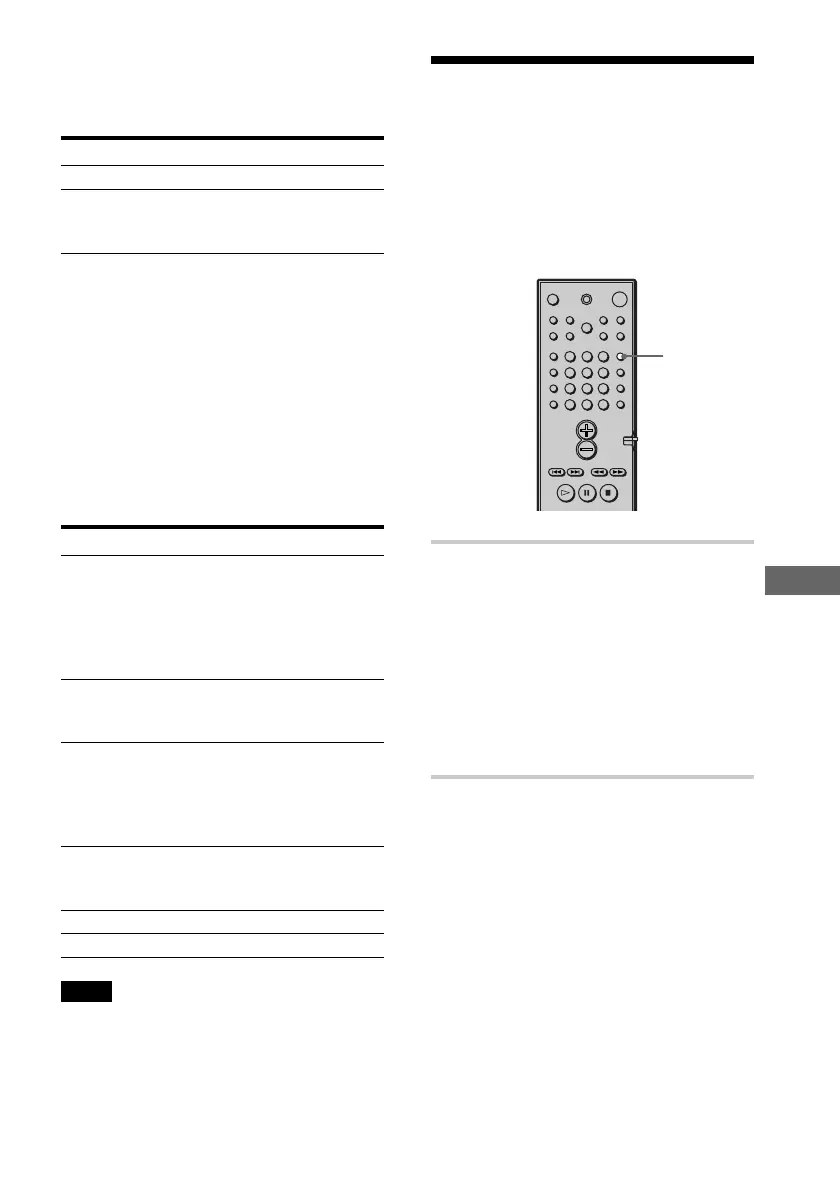
Using the CONTROL DVD/TV switch, you
can switch the remote signal between
control of the TV and control of the DVD
unit. When you watch the DVD, ensure that
you have the CONTROL DVD/TV switch
set to DVD.
The table below shows the buttons that are
affected by the CONTROL DVD/TV switch.
Button DVD TV
1~9,** Standard number Regardless of
>10, button function the number
10/0 for DVD. button pressed,
the channel
advances in
numerical order.
ENTER Standard enter Skips to channel
function for 12.
DVD.
. Standard CH –
preceding title,
chapter skip
function for
DVD.
> Standard forward CH +
title, chapter
skip for DVD.
3 VOL + VOL +
# VOL – VOL –
Note
Depending on the TV, you may not be able to control
your TV or to use some of the buttons above.
* Use the number buttons only to enter the code
number of controllable TVs.
**For double digit number, press >10, then the
number. (For example, press >10, then 2 and 5 for
entering 25.)











 To Next Page