16
GB
VIDEO Operation Setup (Continued)
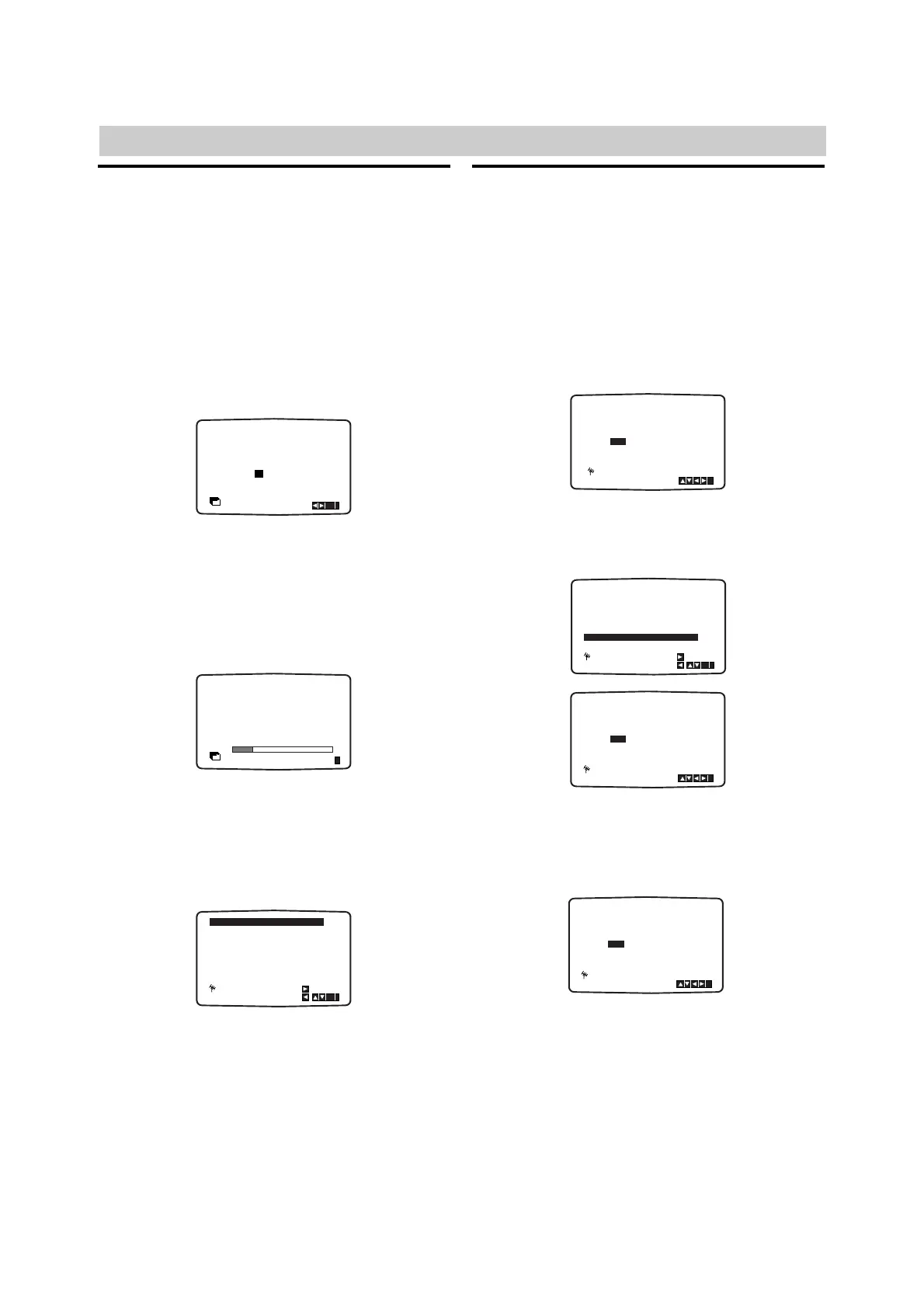
Tuning in TV Stations Automatically
Should you wish to perform the Automatic Channel
Memory System (ACMS) again please follow the guid-
ance given on this page. You may tune up to 88 TV
stations into your DVD/VCR Receiver.
11
Press @ / 1 to turn on your DVD/VCR Receiver.
22
Press MENU (i).
The main menu will appear on the TV screen.
33
Press B or b to select ACMS and press
ENTER/OK
44
Press B or b to select the desired country.
(A: Austria, B: Belgium,CH: Switzerland,
D: Germany, DK: Denmark, E: Spain, F: France,
I: Italy, N: Norway, NL: Netherlands, P: Portugal,
S: Sweden, SF: Finland, AUTRES: Others.)
55
Press ENTER/OK again to start the automatic
tuning process.
66
While automatic tuning is taking place the time and
date will set automatically. If - - : - - appears in the
DVD/VCR Receiver display it means that the broad-
cast signal is weak and the clock was not set.
Please turn to TIME DATE section of this book on
page 18.
77
Press MENU (i) to remove the menus from the
TV screen.
Tuning in TV Stations Manually
In certain areas of the country broadcast signals may
be too weak for your DVD/VCR Receiver’s automatic
tuning process to find or assign TV stations correctly.
You must tune in these weaker broadcast stations man-
ually in order for your DVD/VCR Receiver to store them.
11
Press MENU (i).
The main menu will appear on the TV screen.
22
Press B or b to select PR SET and press
ENTER/OK.
33
Press MENU (i) and press V or v to select the
programme number that you want to tune (for
example, PR 07). Press ENTER/OK
44
Press INPUT SELECT to select C (Standard sta-
tions) or S (Cable stations): C02-C70, S01-S41.
Enter the channel number of station that you want
to tune with the numerical buttons.



 To Next Page