18
GB
VIDEO Operation Setup (Continued)
Deleting TV Stations
After tuning TV stations into your DVD/VCR Receiver
you may wish to delete a station.
The instructions given on this page will show you how
to easily delete any unwanted TV stations.
11
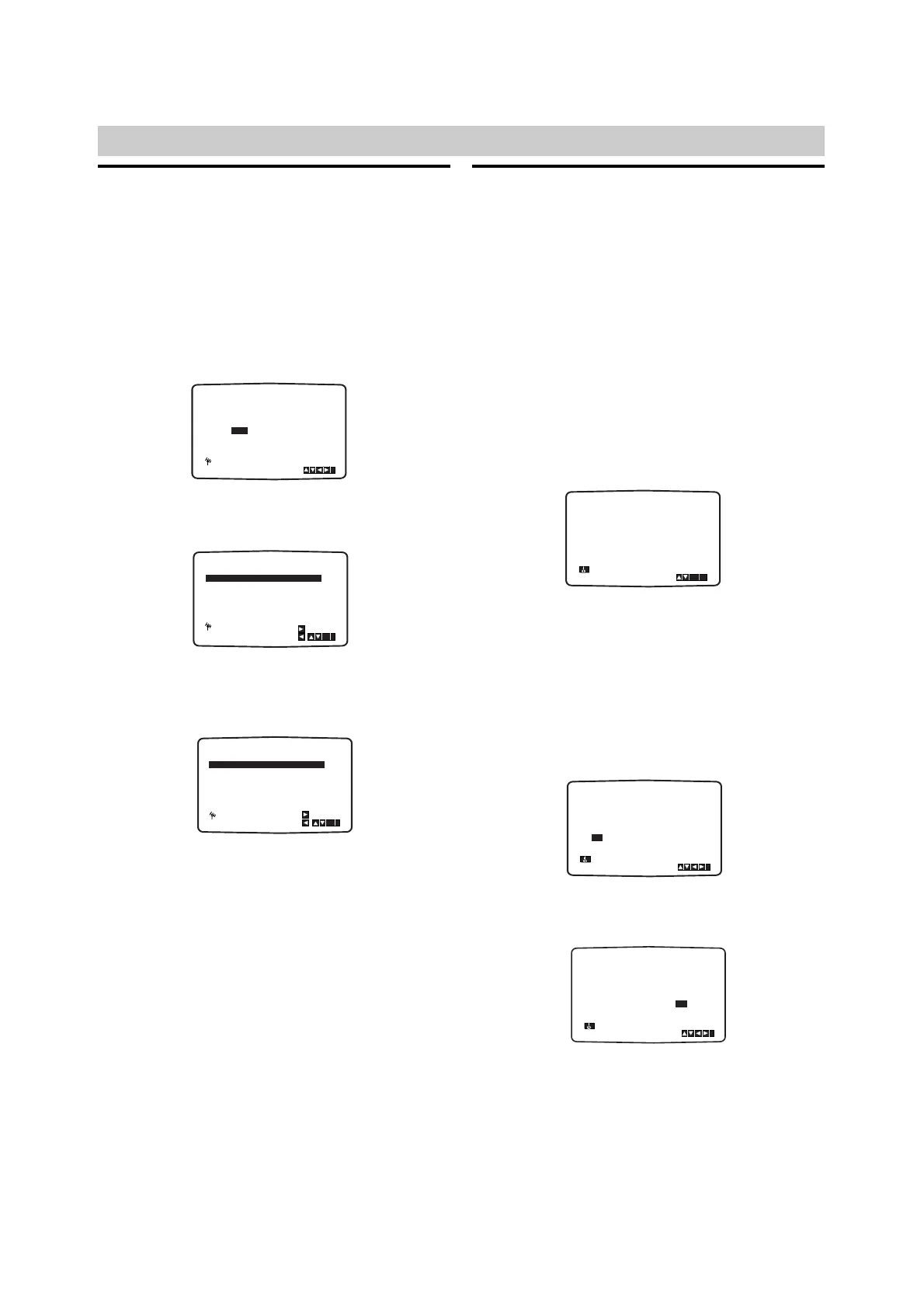
Press MENU (i).
The main menu will appear on the TV screen.
Press B or b to select PR SET and press
ENTER/OK
22
Press MENU (i).
Press V or v to select the programme number
you want to delete (for example, PR 03).
33
Press B.
After a short while, the selected station will be
deleted.
44
Press MENU (i) to remove the menus from the
TV screen.
If you wish to delete other TV stations repeat
stages 2 - 3.
How to select Stored TV stations:
Stored TV stations can be selected in either of two
ways.
Press CH+ or CH– to select different stations that
are tuned into your DVD/VCR Receiver.
You may also directly select stations using the
numerical buttons on the remote control.
Setting the Clock Manually
The clock in your DVD/VCR Receiver controls time, day
and date settings for your DVD/VCR Receiver.
For SHOWVIEW system to work correctly the correct
time and date must be set. The clock is set automati-
cally during ACMS (Automatic Channel Memory
System) when your DVD/VCR Receiver detects a chan-
nel that broadcasts a Teletext signal.
If the broadcast signal is weak the clock will not be set
and will require setting manually.
11
Press MENU (i).
Press B or b to select TIME DATE and press
ENTER/OK.
The auto adjust mode can be set to “OFF” by
pressing V or v if you want to set the time
manually.
22
Press ENTER/OK.
Use the numerical buttons or press V/v or B/b
on the remote control to alter the HOURS,
MINUTES, DAY, MONTH and YEAR.
Please note your DVD/VCR Receiver uses a
24-hour clock. e.g. 1pm will be displayed as 13:00.
The day of the week will appear automatically when
you enter the year.
33
If you make a mistake, press B or b and enter
the correct details.
44
Press MENU (i) to remove the menus from the
TV screen.
Your new clock settings are stored and will appear
on your DVD/VCR Receiver’s Display.



 To Next Page