PREPARATION
19
GB
VIDEO Operation Setup (Continued)
To set the colour system
Your DVD/VCR Receiver is equipped with dual colour
standard, you can play back a tape in PAL and MESE-
CAM.
During playback your DVD/VCR receiver detects the
colour system automatically.
If there is any colour problem please select the colour
system manually.
11
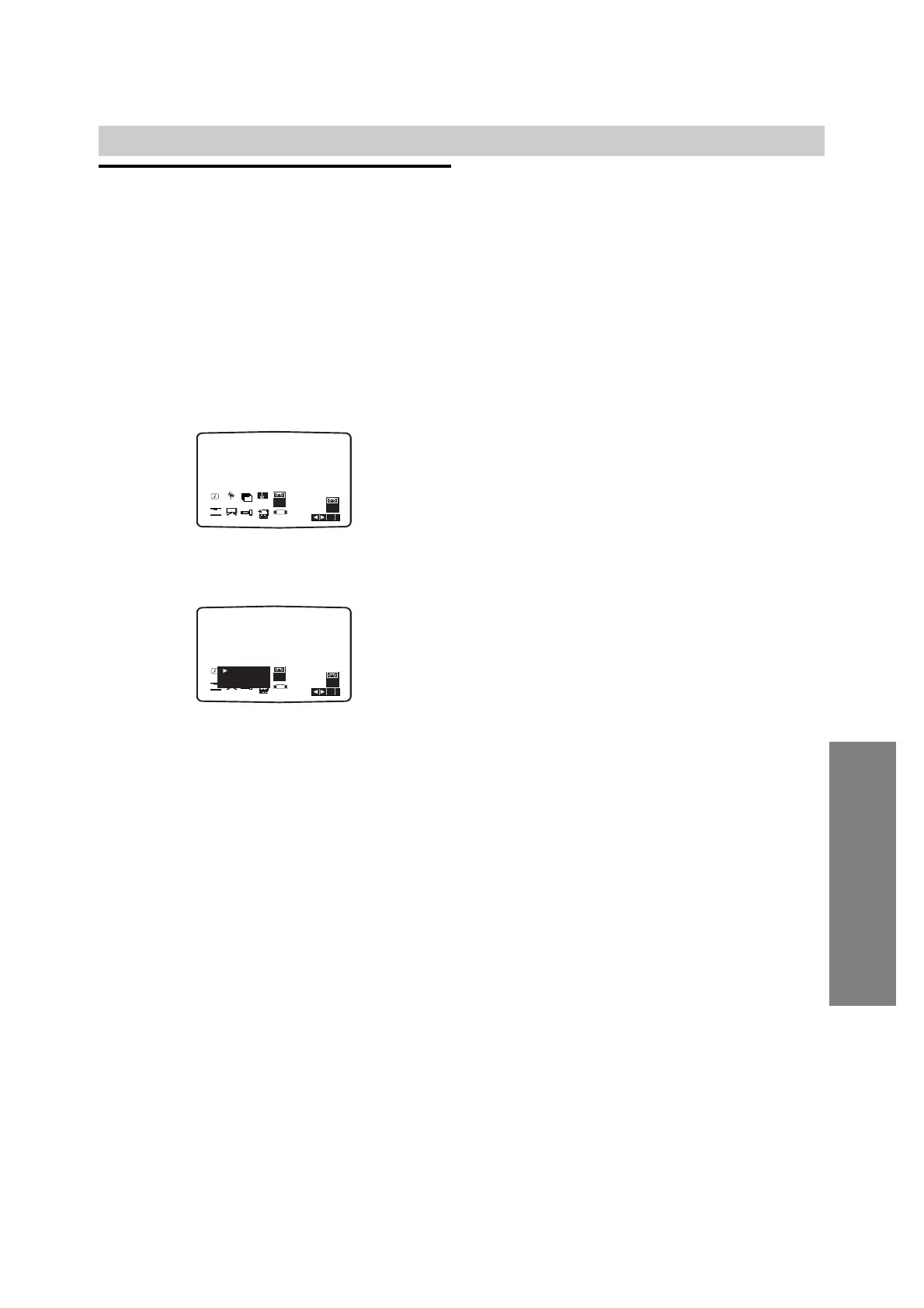
Press MENU (i).
The main menu will appear on the TV screen.
22
Press B or b to select the SYSTEM.
33
Press ENTER/OK and press V or v to select
according to the COLOUR system used.
AUTO:
Allows PAL or MESECAM signals to be distinguished
automatically.
PAL:
Use when receiving PAL signals or use when playing
back a tape recorded in PAL system.
MESECAM:
Use when receiving MESECAM signals or use when
playing back a tape recorded in MESECAM system
44
Press MENU (i) to remove the menus from the
TV screen.



 To Next Page