60
GB
Checking the date
information (JPEG only)
You can check the date information during
playback when the Exif* tag is recorded in the
JPEG image data.
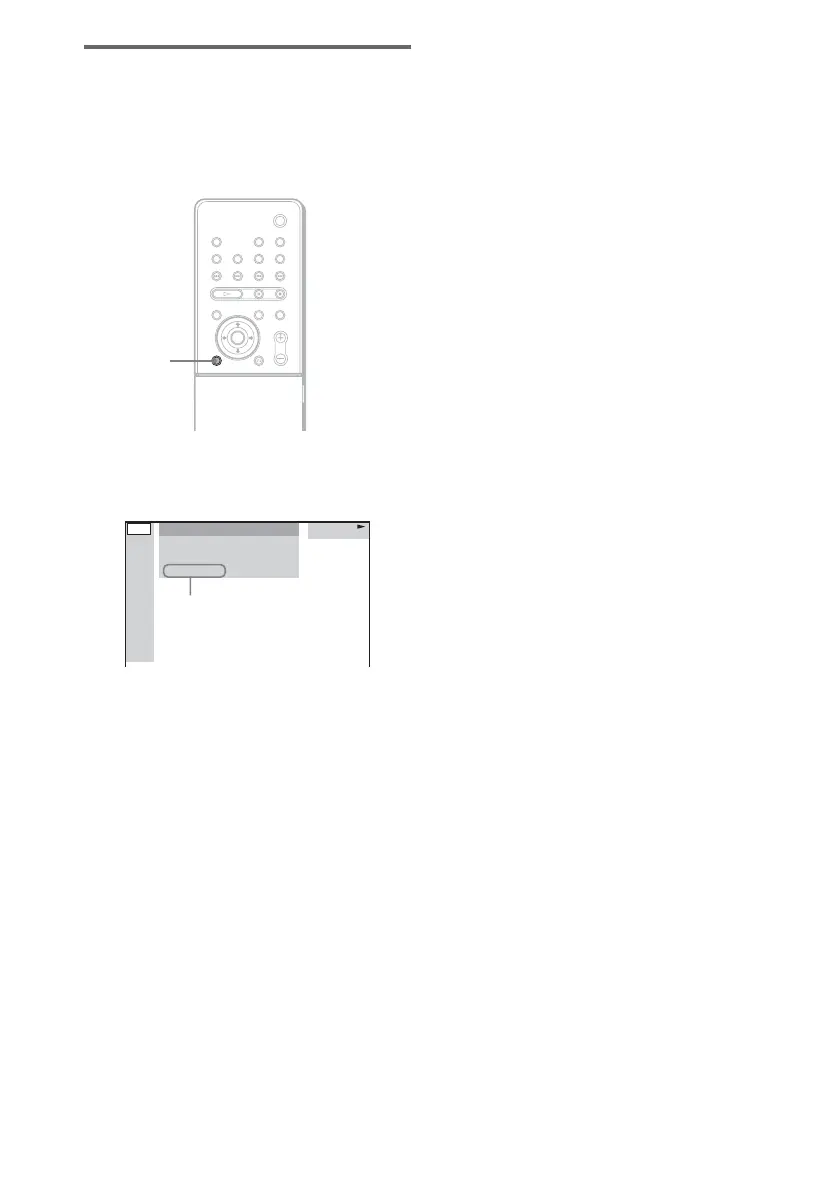
Press DVD DISPLAY during playback.
The Control Menu appears.
* “Exchangeable Image File Format” is a digital
camera image format defined by the Japan
Electronics and Information Technology Industries
Association (JEITA).
Note
If there is no date information or data is damaged on
the disc, the system cannot display the date
information.
Tip
You can change the date information order in [JPEG
DATE] of [CUSTOM SETUP] (page 89).
DVD
DISPLAY
MOUNTAIN
FAMILY
1
(
2 0
) BIRTHDAY
01 / 01/ 2004
JPEG
Date information



 To Next Page