Other Operations
85
GB
You can return the system parameters such as
speaker settings and preset stations, to the
default settings.
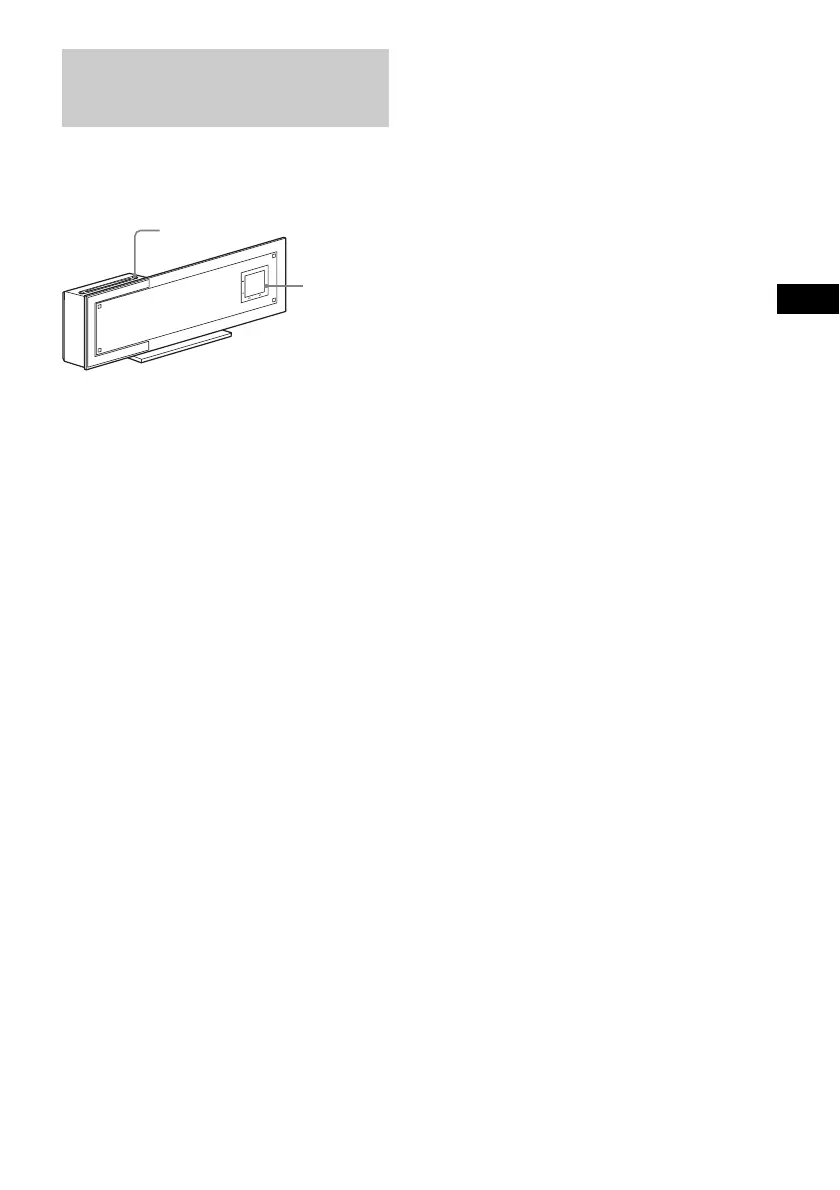
Press and hold Touch Panel Sensor VOL. –
(page 42) and Z simultaneously for a few
seconds.
“Cold Reset” appears in the front panel display
and the default settings are returned.
Returning to the Default
Settings
VOL
.
+
-
FUNCTION
Z
Touch
Panel
Sensor
VOL. –



 To Next Page