Settings and Adjustments
71
GB
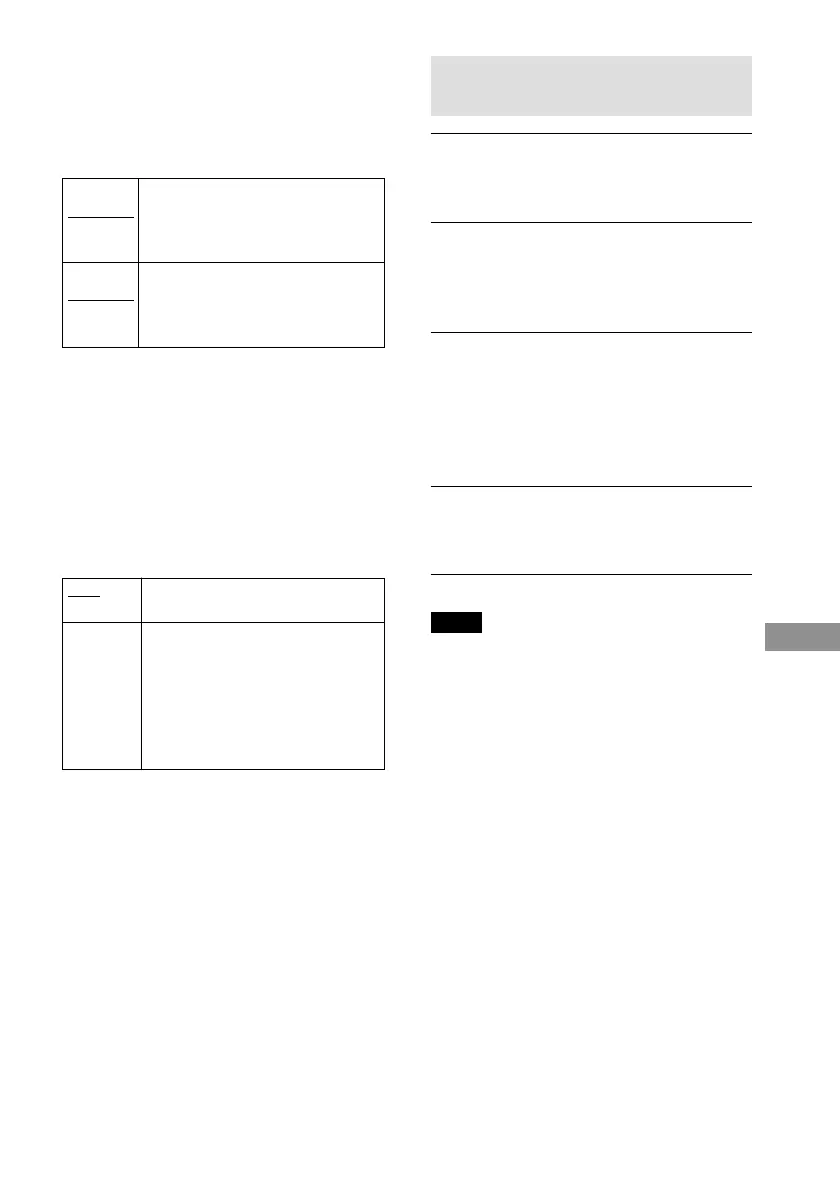
xTEST TONE
The speakers will emit a test tone to adjust
“BALANCE” and “LEVEL.”
OFF
ON
The test tone is not emitted from the
speakers.
The test tone is emitted from each
speaker in sequence while adjusting
balance or level.
When you select one of the
“SPEAKER SETUP” items, the test
tone is emitted from both left and
right speakers simultaneously.
xBALANCE
You can vary the balance of the left and right
speakers as follows. Be sure to set “TEST
TONE” to “ON” for easy adjustment.
The default settings are underlined.
FRONT
CENTER
REAR
CENTER
To adjust the volume of all the
speakers at one time
Use the VOLUME control on the system or
press VOL +/–.
Adjusting the speaker volume and
level
1 After you stop playback, select
“SPEAKER SETUP” after pressing DVD
SETUP in the Setup Display.
2 Select “TEST TONE” and set “TEST
TONE” to “ON.”
You will hear the test tone from each
speaker in sequence.
3 From your listening position, select
“BALANCE” or “LEVEL” and adjust the
value of “BALANCE” and “LEVEL”
using X/x.
The test tone is emitted from both left
and right speakers simultaneously.
4 Select “TEST TONE” and set “TEST
TONE” to “OFF” to turn off the test
tone.
Note
When you adjust the speaker settings, the sound cuts
off for a moment.
Adjust the balance between the
front left and right speakers (You
can adjust from center 6 steps left
or right).
Adjust the balance between the rear
left and right speakers (You can
adjust from center 6 steps left or
right).



 To Next Page