26
Audio CD and MP3 Disc Operation (Continued)
Pause
1 Press X (PAUSE) during playback.
2 To return to playback, press X (PAUSE) again or
press H (PLAY).
Selecting Another Track
If a disc has more than one track, you can move to
another track as follows:
Press . or > briefly during playback to go to the
next track or to return to the beginning of the current
track.
Press . twice briefly to step back to the previous
track.
On Audio CDs, to go directly to any track, enter the
track number using the number buttons (0-9) during
playback.
Notes
For one-digit numbers, press the number buttons
(1-9) and wait that the operation is performed.
For two-digit numbers, press the number buttons
(0-9) in rapid succession.
Search
1 Press m or M during playback.
The DVD Receiver will now go into SEARCH mode.
2 Press m or M repeatedly to select the required
speed: 1 m, 2 m, 3 m (backward) or 1 M, 2
M, 3 M (forward).
Search speed and direction are indicated on the menu
screen.
3 To return to playback, press H (PLAY).
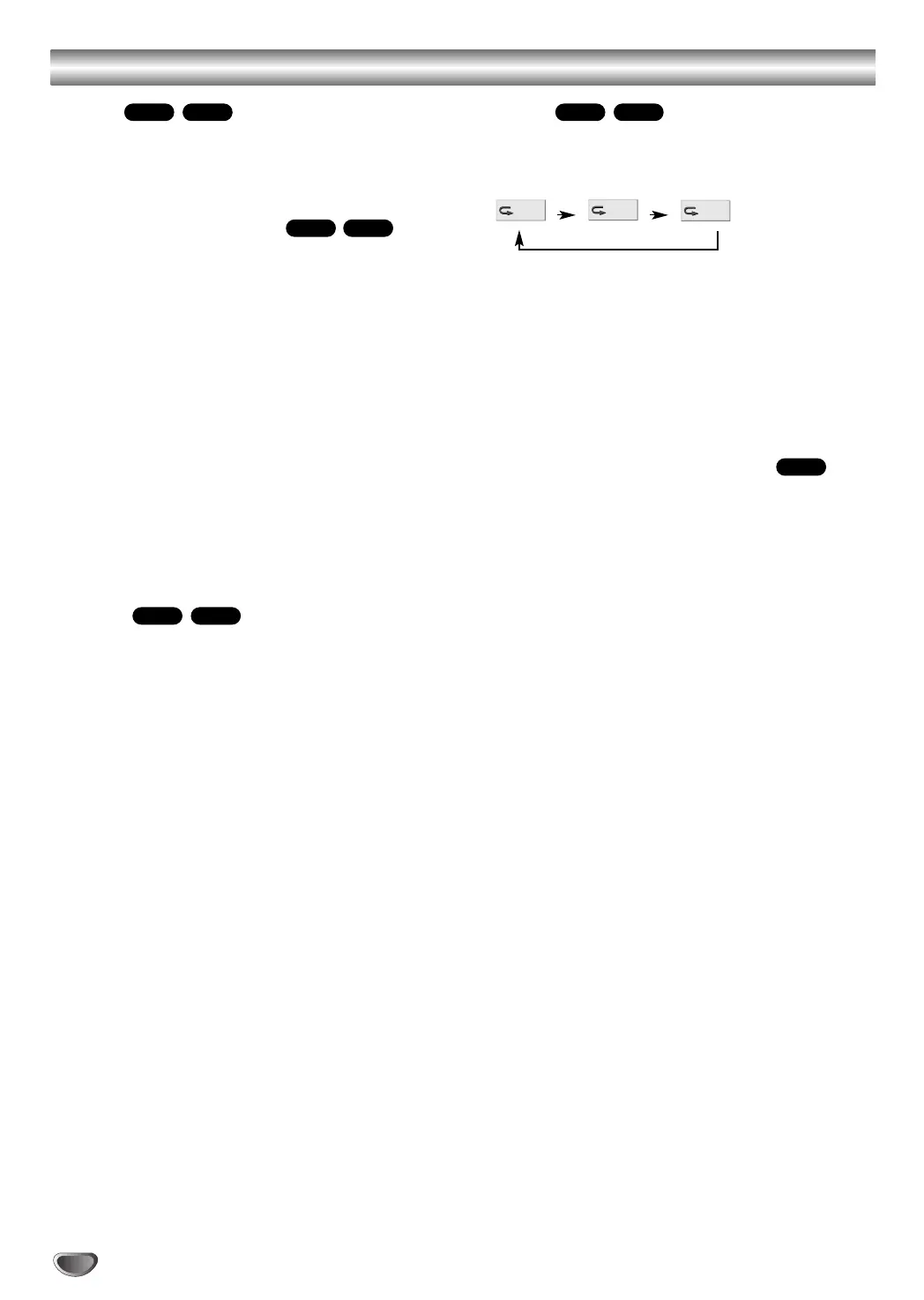
Repeat
1 Press REPEAT when playing a disc.
The Repeat icon appears on the TV screen.
2 Press REPEAT to select a desired repeat mode.
• TRACK: repeats the current track
• ALL: repeats all the tracks on a disc.
• OFF: does not play repeatedly.
Note
When you press . twice or > during Repeat mode
to go to previous track or next track, repeat mode (Track
repeat only) is canceled.
Changing the Audio Channel
Press AUDIO repeatedly during playback to hear a
different audio channel (ST, LEFT, or RIGHT).
CD
OFF
ALL
TRACK
MP3CD
MP3CD
MP3CD
MP3CD



 To Next Page