32
GB
To quit the Quick Setup
Press DISPLAY in any Step.
To recall the Quick Setup display
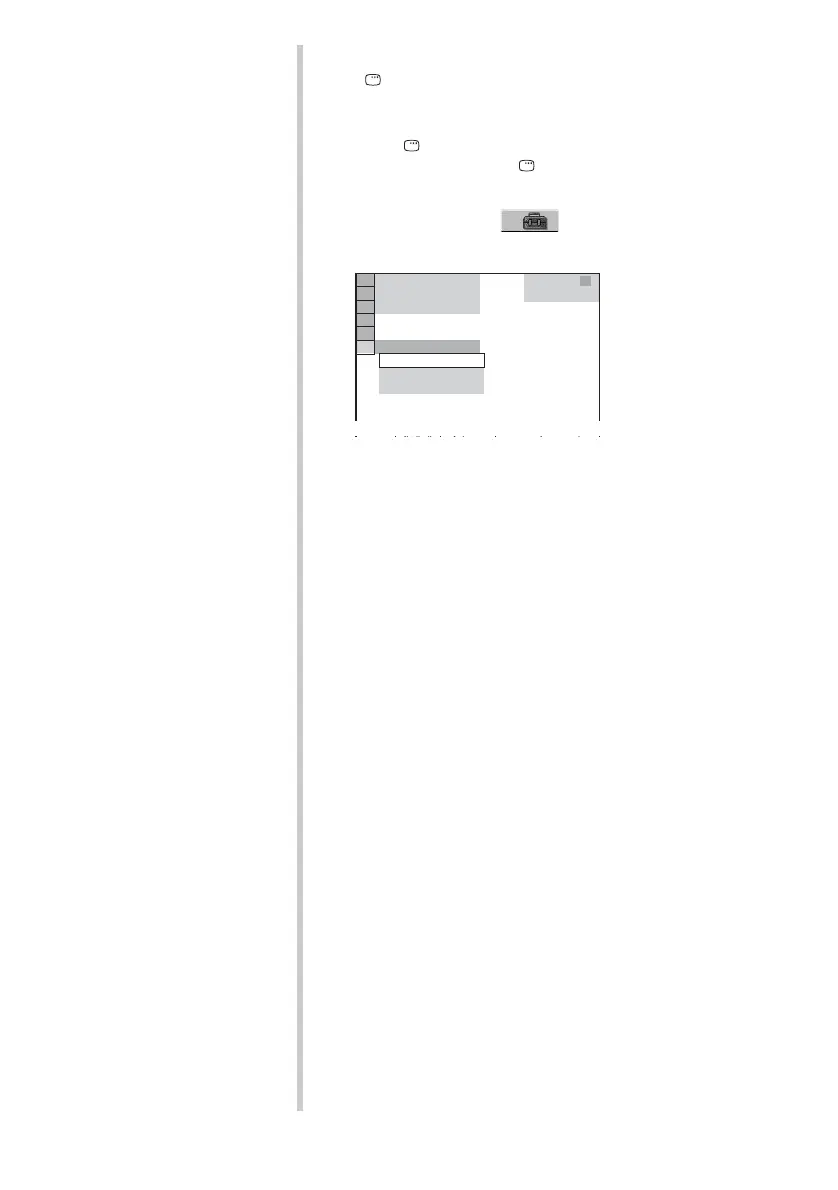
1 Press DISPLAY. (If a disc is playing, press x to stop
playback, then press DISPLAY.)
The Control Menu appears.
2 Press X/x to select [SETUP], then press ENTER.
The options for [SETUP] appear.
3 Press X/x to select [QUICK], then press ENTER.
The Quick Setup display appears.
1 2
(
2 7
)
QUICK
RESET
DVD VIDEO
BNR
: :
1 8
(
3 4
)
CUSTOM
QUICK



 To Next Page