Getting Started
35
GB
• Even if an option is selected, the
sound volume of the subwoofer
may be low. This is by default
setting, and is not a malfunction.
• If there is no sound from the
speakers, check the speaker
connection.
Note
1 Press Z on the system.
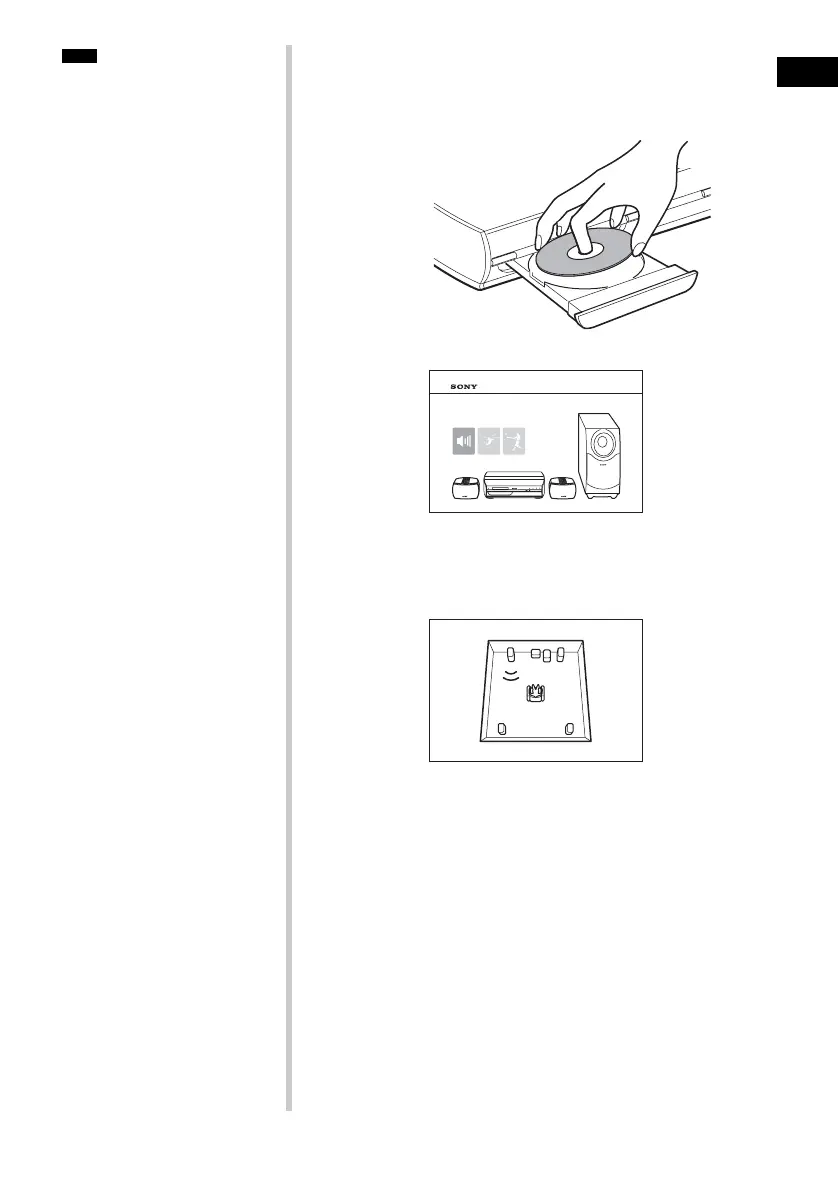
2 Load the Setup Disc.
Place the Setup Disc on the tray, and then press Z on the
system.
The Setup Disc menu appears.
3 Sit in the listening position, then select one of the three
options on the screen using
C/c, and press H or
ENTER.
The selected option starts.
4 Listening carefully to how the option sounds to
determine the optimal surround sound effect.
If a satisfactory surround sound effect cannot be achieved,
adjust the speaker positions.
5 Press x to stop the disc.
6 Press Z on the system to eject the disc.
To adjust the volume of all the speakers at one
time
Press VOLUME +/− on the system, or press VOLUME +/− on the
remote.
DAV-X1
DAV-X1
RL RR
FL FR
C
SW



 To Next Page