Basic Operations
37
GB
6 Press H.
The system starts playback (continuous play).
Adjust the volume.
To save the power in standby mode
Press "/1 while the system turns on. To cancel standby mode, press
"/1 once.
Additional operations
*1 DVD VIDEOs/DVD-RWs/DVD-Rs only. The button can be used except
for DivX video files.
*2 DVD VIDEOs/DVD-RWs/DVD-Rs/DVD+RWs only. The button can be
used except for DivX video files.
*3 DATA CDs/DATA DVDs only.
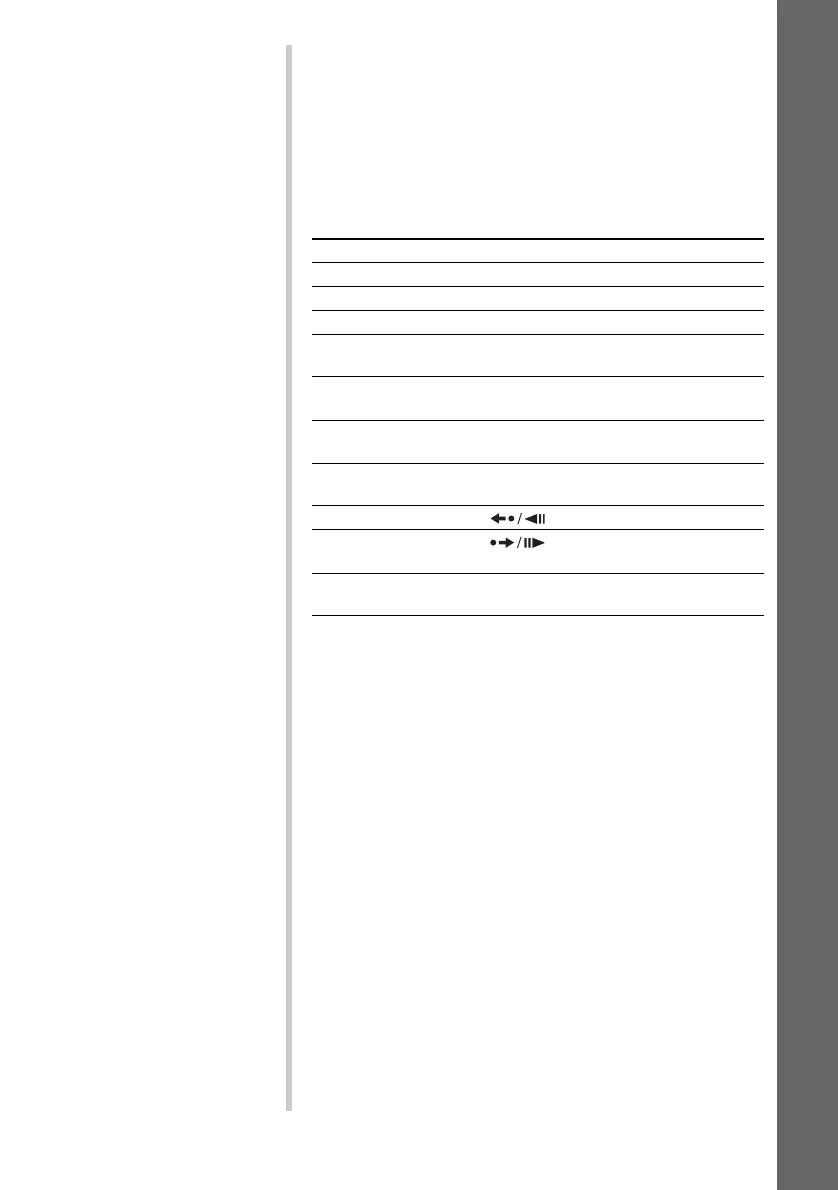
To Press
Stop x
Pause X
Resume play after pause X or H
Go to the next chapter,
track, or scene
> (except for JPEG)
Go back to the preceding
chapter, track, or scene
. (except for JPEG)
Mute the sound MUTING. To cancel muting, press it again
or VOLUME + to adjust the sound volume.
Stop play and remove the
disc
Z
Replay the previous scene*
1
(instant replay) during playback.
Briefly fast forward the
current scene*
2
(instant advance) during playback.
Go to the next or previous
album*
3
ALBUM + or – during playback.


 To Next Page