17
GB
Getting started
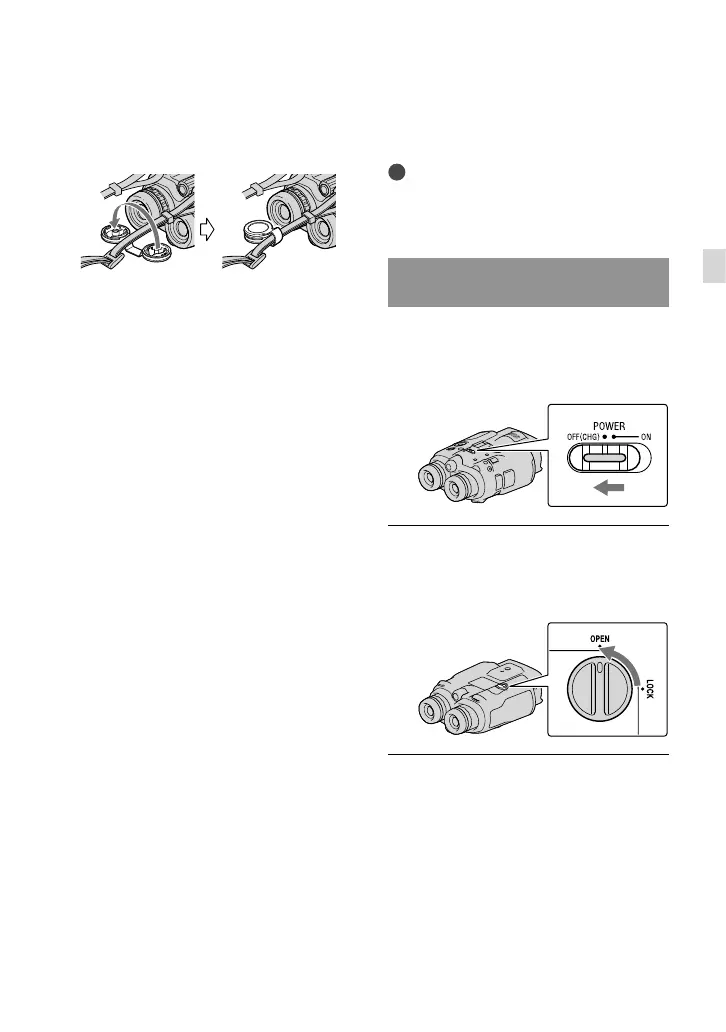
You can attach the finder cap to the neck
strap as illustrated when it is not being
used.
Step 2: Charging the
battery pack
You can charge the “InfoLITHIUM” battery
pack (V series).
Notes
You cannot use any “InfoLITHIUM” battery
pack other than NP-FV70/FV100 to this
product.
Charging the battery pack installed
into this product
Set the POWER switch to OFF
(CHG) b
y pressing the green
button.
Turn the battery cover lock to
OPEN and open the battery
cover.
Align the battery with the groove
in the battery compartment (),
and slide the battery until it clicks
().



 To Next Page