37
GB
Saving movies and photos
Starting PMB (Picture
Motion Browser)
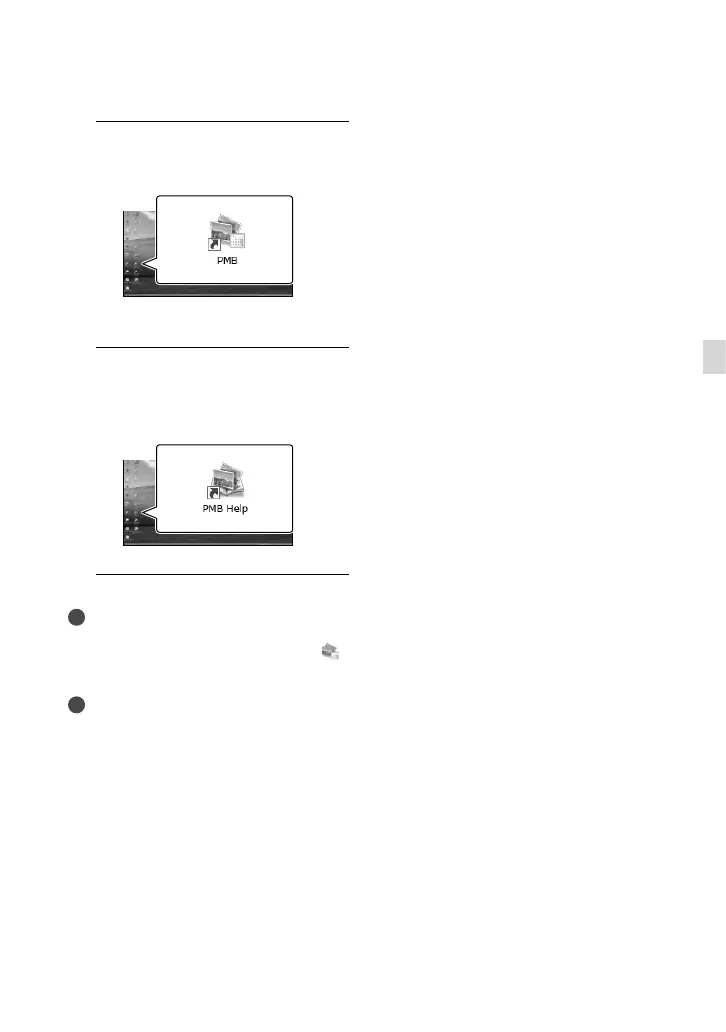
1
Double-click the “PMB” short-cut
icon on the computer screen.
The PMB software starts up.
2
Double-click the “PMB Help”
short-cut icon on the computer
screen to see how to use “PMB.”
Notes
If the icon is not displayed on the computer
screen, click [Start] [All Programs] [
PMB] the desired item.
Tips
Double-click “PMB Launcher” on the desktop
of the computer. This allows you to start the
desired function (application) by selecting one
from a list of “PMB” functions.



 To Next Page