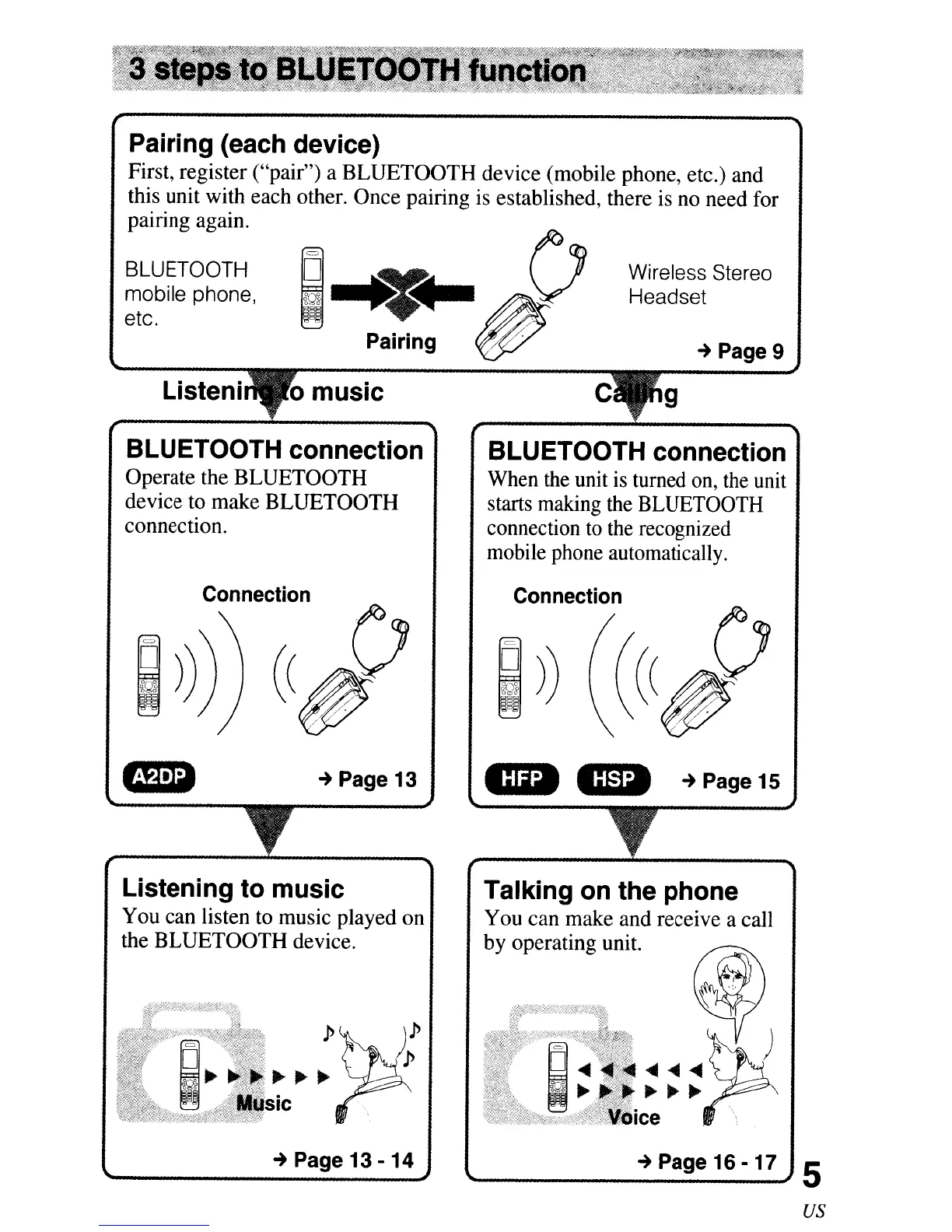
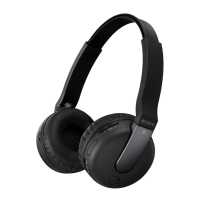
Pairing (each device)
First, register ("pair") a BLUETOOTH device (mobile phone, etc.) and
this unit with each other. Once pairing is established, there is no need for
. . .
patnng agam.
BLUETOOTH
mobile phone,
etc.
Wireless Stereo
Headset
-+
Page 9
Listeni c g
BLUETOOTH connection
Operate the BLUETOOTH
device to make BLUETOOTH
connection.
BLUETOOTH connection
When the unit
is
turned on, the unit
starts making the BLUETOOTH
connection
to
the recognized
mobile phone automatically.
-+
Page 13
Connection
CD
cm:I
-+
Page 15
Talking on the phone
You can make and receive a call
by operating unit.
.P
~~~
sic
Listening to music
You can listen to music played on
the BLUETOOTH device.
-+
Page 13 -
14
-+
Page 16 - 17 5
us



 To Next Page