14
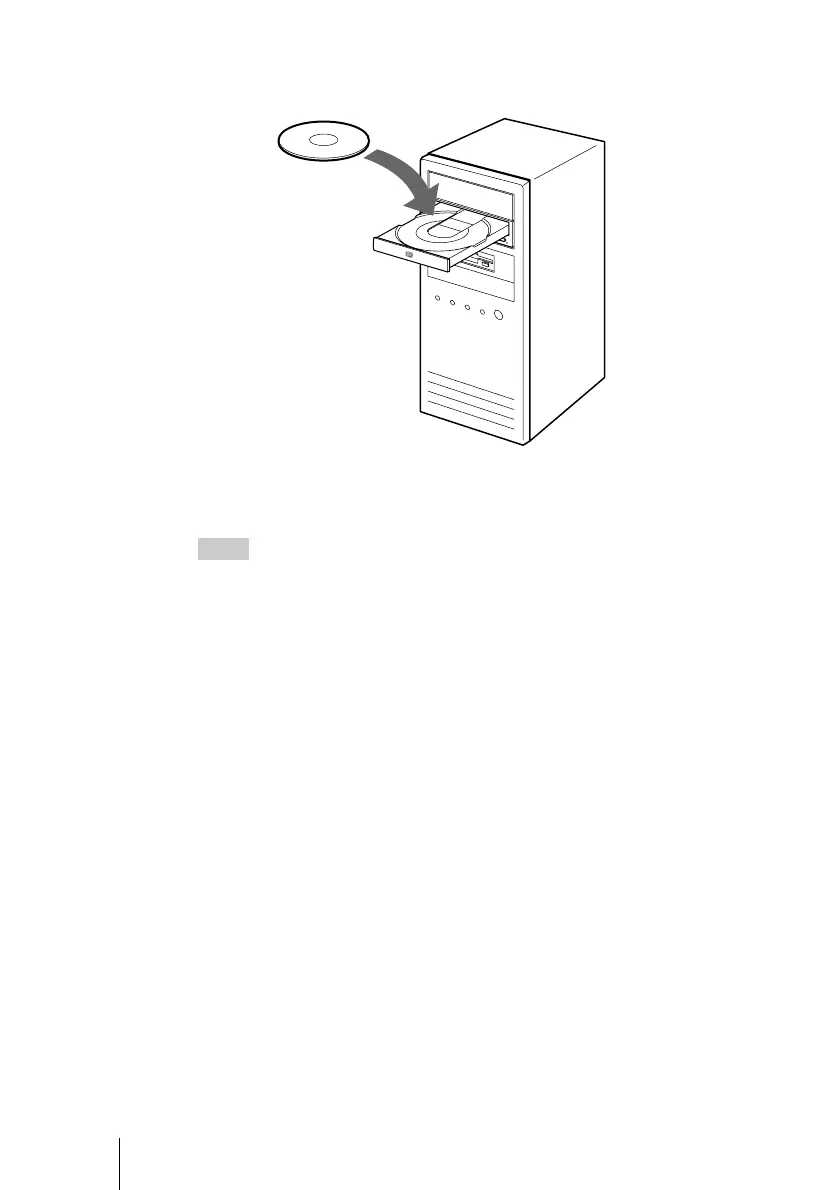
7 Insert the supplied software disc into the drive, and then install
the software on the disc.
Follow the instructions on the screen to complete the installation.
For details about the software on the supplied software disc, see “Supplied
Software” on page 19.
Hint
You do not need serial numbers when you install the software on the supplied software
disc. However, in some instances you may have to purchase serial numbers or upgrade
keys to upgrade the software.



 To Next Page