36
GB
e
e
n
ma
es
Deleting images
1
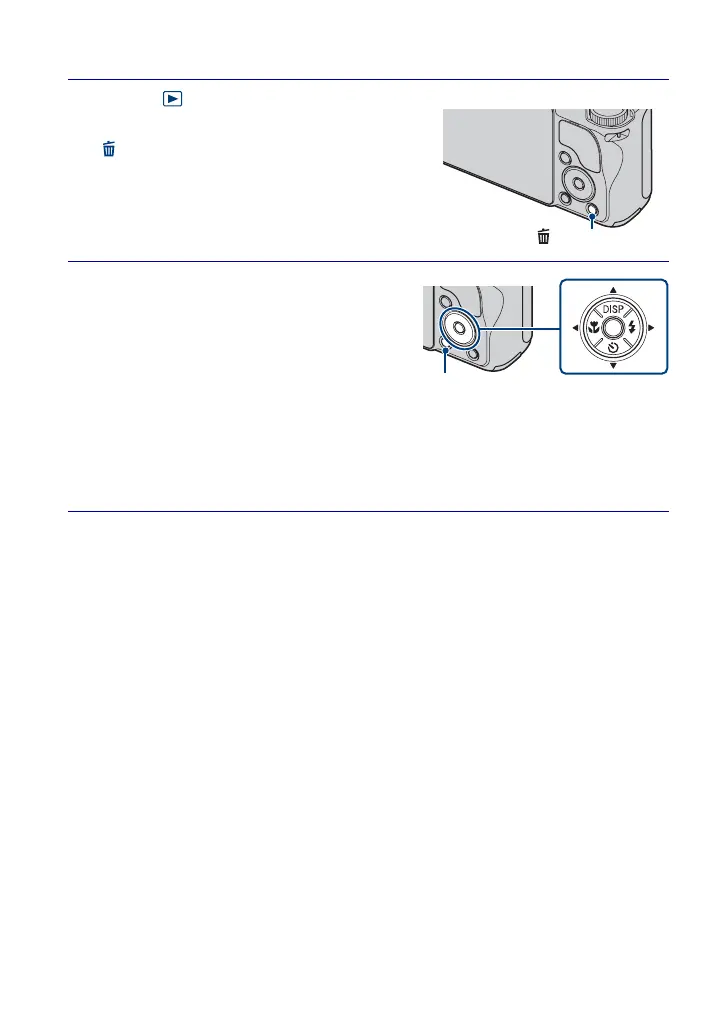
Press (Playback) button to
display an image, then press
(Delete) button.
2
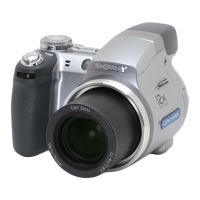
Press v/V on the control button
to select the desired setting.
All in Date Range: You can delete all
images in the displayed date range.
According to the View Mode, this item will
be [All in This Folder] or [All in Event].
Multiple Images: You can select and
delete multiple images. Select the images, press z, and then press the MENU
button to delete.
This Image: You can delete the currently displayed image.
Exit: Cancels the deletion.
(Delete) button
MENU button







 To Next Page