74
Troubleshooting
Troubleshooting
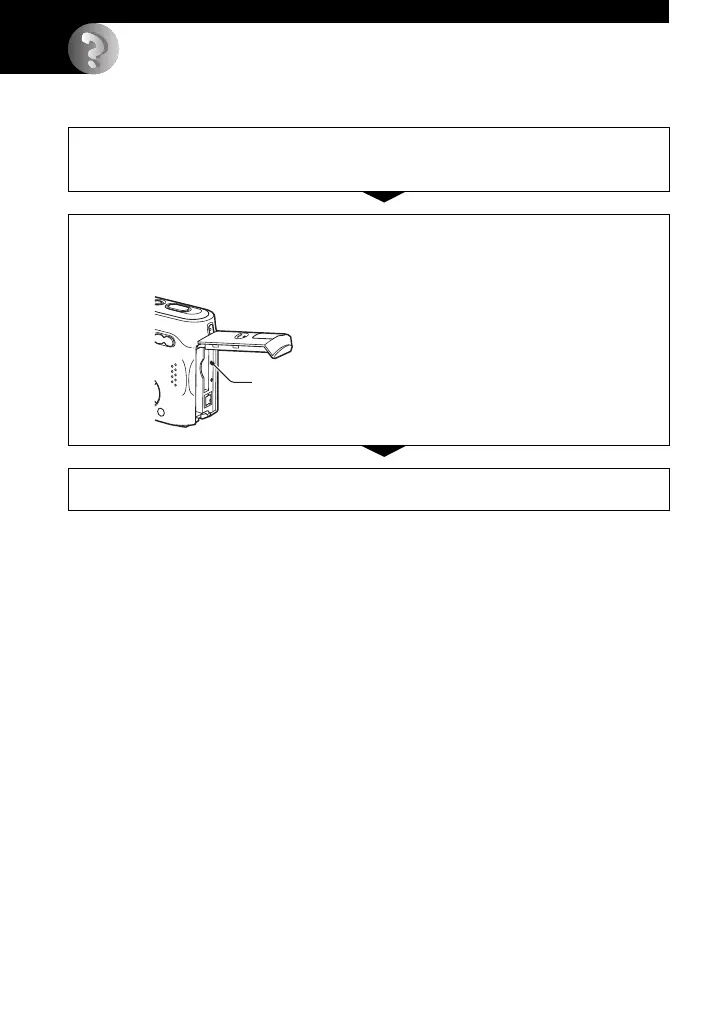
If you experience trouble with your camera, try the following solutions.
1 Check the items on pages 75 to 84.
If a code such as “C/E:ss:ss” appears on the screen, see page 85.
2 Press the RESET button using a pointed object, then turn on the power
(reset).
All the settings including date and time are cleared.
3 Consult your Sony dealer or local authorized Sony service facility.
RESET button








 To Next Page