4
Table of contents
SteadyShot: Selecting the anti-blur mode
SETUP: Selecting the shooting settings
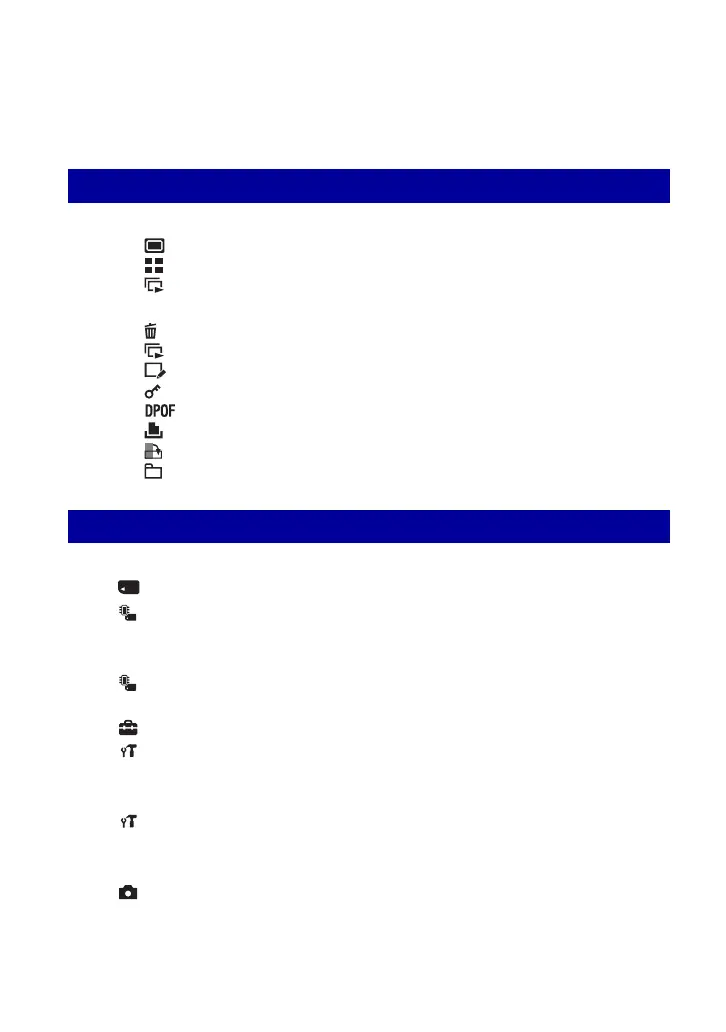
Playing back images from the HOME screen............................. 52
(Single Image): Playing back a single image
(Index Display): Playing back a list of images
(Slide Show): Playing back a series of images
Viewing menu ..................................................................................... 55
(Delete): Deleting images
(Slide Show): Playing back a series of images
(Retouch): Retouching still images after shooting
(Protect): Preventing accidental erasure
: Adding a Print order mark
(Print): Printing images using a printer
(Rotate): Rotating a still image
(Select Folder): Selecting the folder for viewing images
Customizing the Manage Memory feature and the Settings
........ 60
Manage Memory.......................................................................... 62
Memory Tool — Memory Stick Tool ................................................. 62
Memory Tool — Internal Memory Tool............................................. 65
Format
Settings .......................................................................................... 66
Main settings — Main Settings 1...................................................... 66
Main settings — Main Settings 2...................................................... 67
Shooting Settings — Shooting Settings 1......................................... 69
Using functions for viewing
Customizing the settings
Format
Create REC. Folder
Change REC. Folder
Copy
Beep
Function Guide
Initialize
USB Connect
COMPONENT
Video Out
AF Illuminator
Grid Line
AF Mode
Digital Zoom
Conversion Lens











 To Next Page