44
Shooting menu For details on the operation 1 page 38
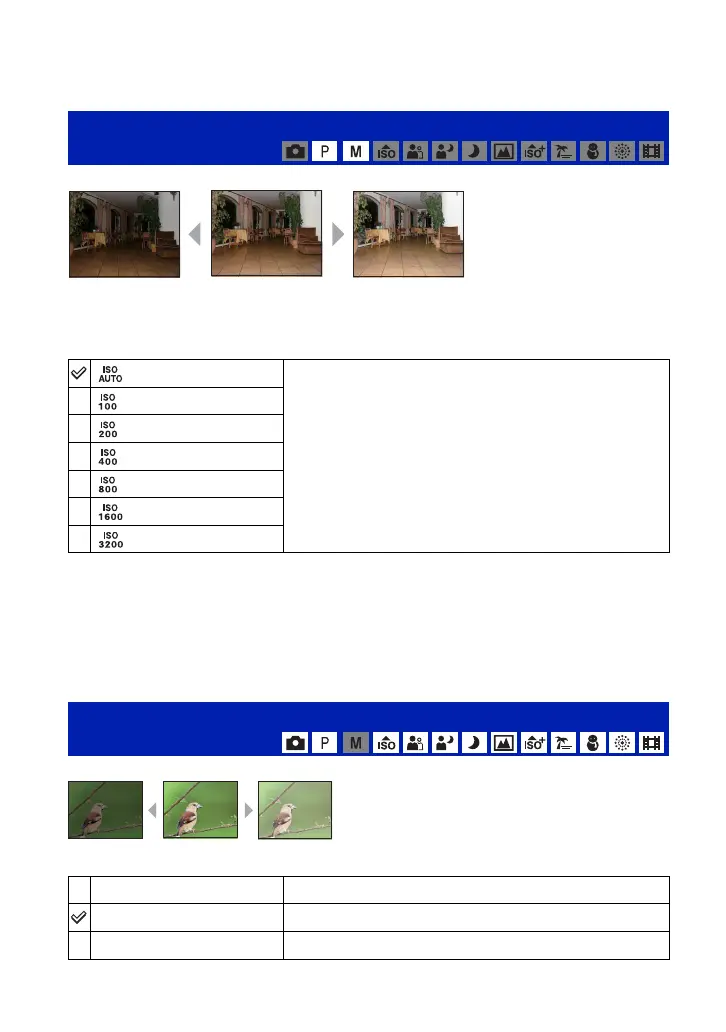
Selects a luminous sensitivity with units of ISO. The larger the number, the higher the
sensitivity.
• For details on the ISO sensitivity, see page 10.
• Note that the image tends to become noisier as the ISO sensitivity number increases.
• [ISO] is set to [Auto] in the Scene Selection mode. When set to [Extra High Sensitivity], sensitivity is
increase up to a maximum of 6400.
• You can select only from [ISO AUTO], [ISO 100] to [ISO 400] when set to Burst or Exposure Bracket.
• When shooting under brighter conditions, the camera automatically increases its tone reproduction and
helps prevent images to become whitish (excluding when [ISO] is set to [ISO 100]).
Manually adjusts the exposure.
• For details on the Exposure, see page 9.
ISO: Selecting a luminous sensitivity
Select a large number when shooting in dark locations or
shooting a subject moving at high speed, or select a small
number to obtain high image quality.
EV: Adjusting the light intensity
–2.0EV
Toward –: Darkens an image.
0EV
The exposure is determined automatically by the camera.
+2.0EV
Toward +: Brightens an image.
High ISO sensitivityLow ISO sensitivity
Toward +Toward –











 To Next Page