45
Using functions for shooting
Shooting menu For details on the operation 1 page 38
• The compensation value can be set in 1/3EV increments.
• If a subject is being shot in extremely bright or dark conditions, or the flash is used, the exposure
adjustment may not be effective.
Selects the metering mode that sets which part of the subject to measure to determine the
exposure.
• For details on the Exposure, see page 9.
• When using spot metering or center-weighted metering, setting [Focus] to [Center AF] is recommended to
focus on the metering position (page 46).
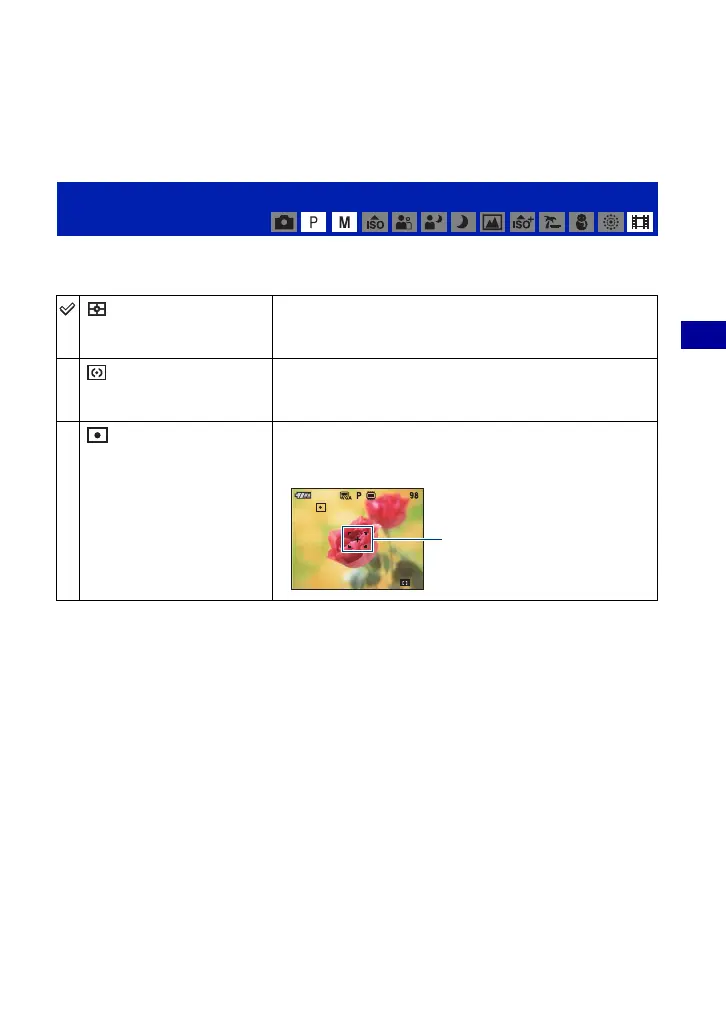
Metering Mode: Selecting the metering mode
(Multi)
Divides into multiple regions and measures each region. The
camera determines a well-balanced exposure (Multi-pattern
metering).
(Center)
Measures the center of the image, and determines the
exposure based on the brightness of the subject there (Center-
weighted metering).
(Spot)
(Only for still image)
Measures only a part of the subject (Spot metering).
• This function is useful when the subject is backlit or when there
is strong contrast between the subject and the background.
Spot metering cross hairs
Positions on the subject











 To Next Page