20
GB
Viewing images
x
Returning to shooting images
Press the shutter button halfway down.
x
Turning off the camera
Press ON/OFF (Power) button.
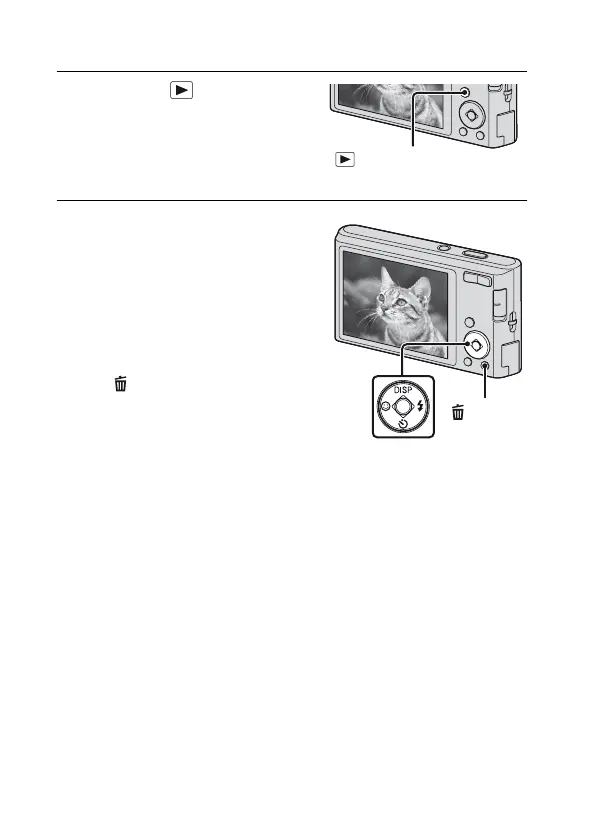
1
Press the (Playback)
button.
• The last image shot is displayed.
x
Selecting next/previous
image
Select an image with B (next)/b
(previous) on the control button.
• Press z in the center of the control
button to view movies.
x
Deleting an image
1 Press (Delete) button.
2 Select [This Image] with v on the
control button, then press z.
(Playback)
button
(Delete)
button
Control button


 To Next Page
 Loading...