4GB
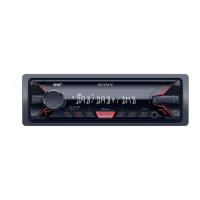
Guide to Parts and Controls
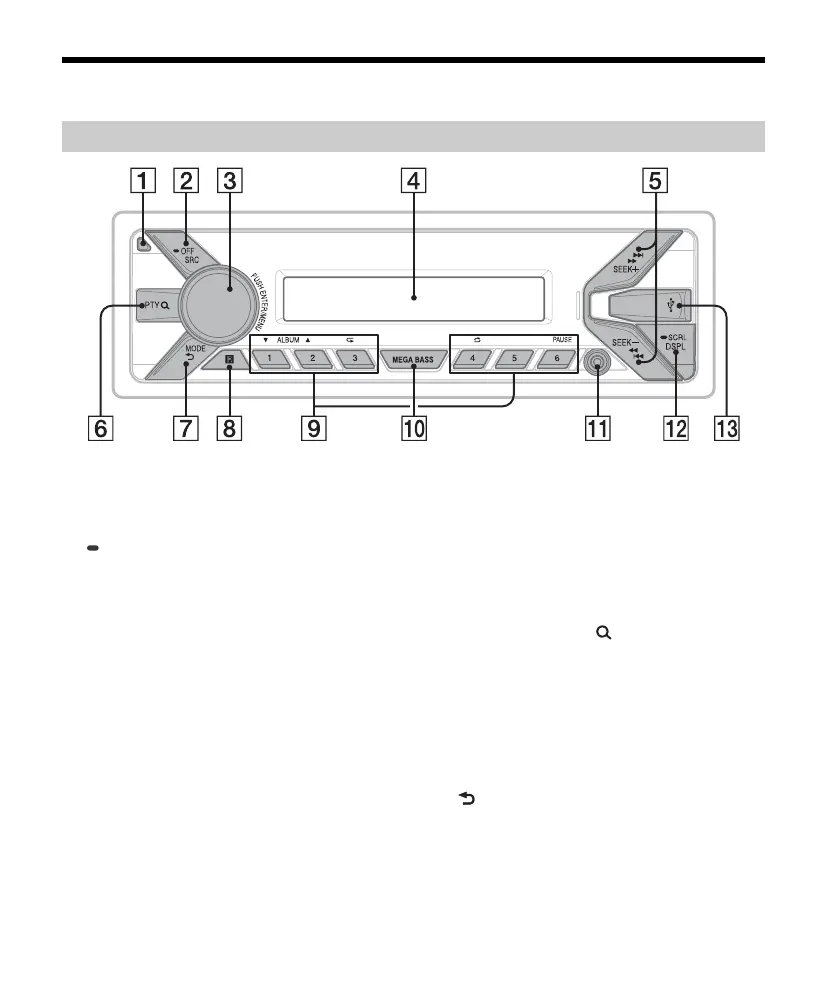
Front panel release button
SRC (
source)
Turn on the power.
Change the source.
OFF
Press and hold for 1 second to turn the source
o
ff and display the clock.
Press and hold for more than 2 seconds to turn
o
ff the power and the display.
Co
ntrol dial
Rotate to adjust the volume.
PUSH ENTER
Enter the selected item.
MENU
Open the setup menu.
Di
splay window
S
EEK +/–
During DAB reception:
Select a service. Press and hold to search for an
ens
emble.
During FM/MW/LW reception:
Tune in radio stations automatically. Press and
hold t
o tune manually.
/ (p
rev/next)
/ (
fast-reverse/fast-forward)
PT
Y (program type)/ (browse) (page 7, 11)
During DAB reception:
Enter the browse mode. Press twice to select
PT
Y.
During FM reception:
Select PTY in RDS.
During playback:
Enter the browse mode.
MO
DE (page 7, 8, 11)
(back)
Return to the previous display.
Main unit


 To Next Page